Editors-in-Chief may add and customize page numbering that will appear in your final printed yearbook. | 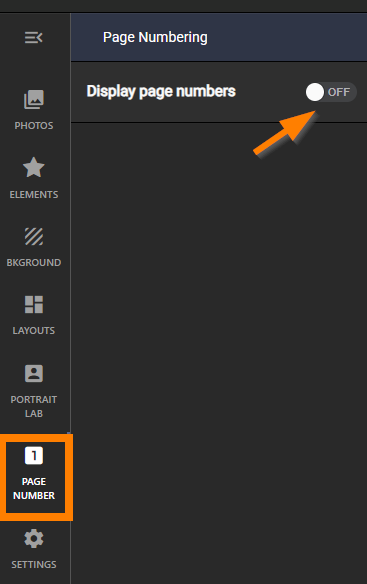 |
Turn on page numbering - a number will appear in the bottom corner of your pages - this accurately depicts where the page number will be displayed on your final printed page. | 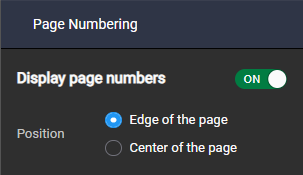 |
| To customize the page number fonts, click on any page number to select it. |  |
| Use the text toolbar features to customize the page numbering across the entire book. Change font, text size, color and shadow. | 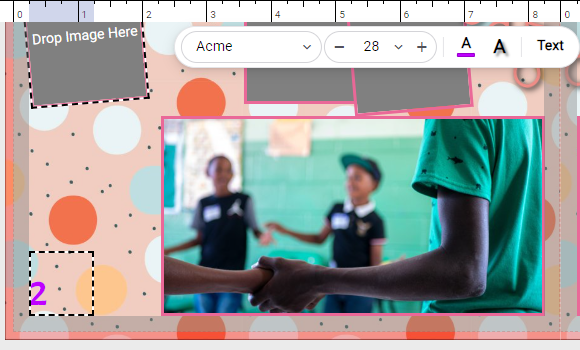 |
| Advanced text features may also be applied. For example, add a contrast outline around the text to ensure that it will stand out on any background. | 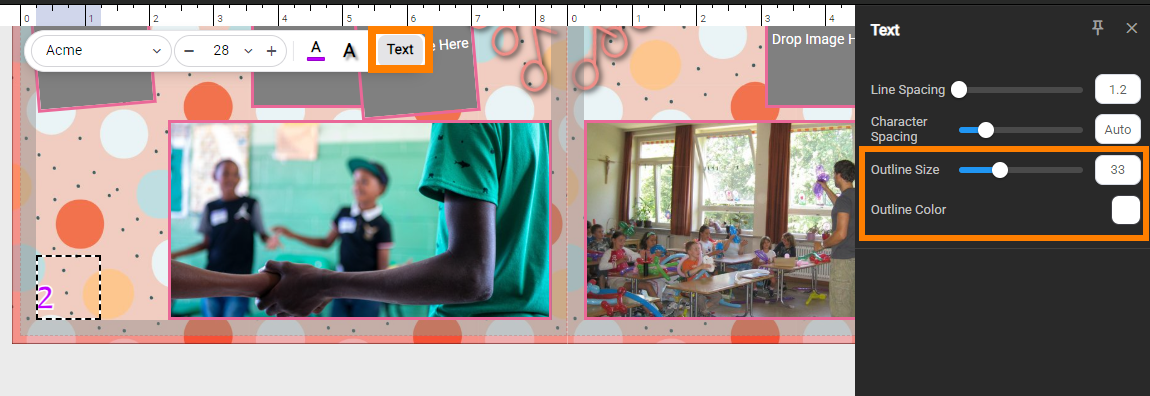 |
Was this article helpful?
That’s Great!
Thank you for your feedback
Sorry! We couldn't be helpful
Thank you for your feedback
Feedback sent
We appreciate your effort and will try to fix the article