Memento Yearbook includes handy photo management tools to ease the process of photo collection from your team and wider school community.
Keep in mind that Memento Yearbook is designed to collect photos only for use in your yearbook. It is not intended to be a general photo storage or transfer service. Also note that portrait photos should not be uploaded to candid image collections, but imported into the portrait manager.
Supported image formats
Memento Yearbook supports jpg, heic and png file types. Generally, jpg and heic are used for photos and backgrounds and png files for clipart-type decorations that have transparency around them. The maximum image file size is 20 megabytes.
IMPORTANT: Do not upload portrait photos to a yearbook photo album. Portraits should be imported in the the portrait manager then added to the book using special portrait page tools that automatically configured labelled grids.
Image Sourcing and Copyright QuestionsDo not use the following images in your book to avoid potential legal issues: Watermarked clipart/graphics • characters, logos, art from books, movies, tv shows, websites, video games, etc. used in a decorative capacity • original art or photography used without the consent of the content license-holders. This includes celebrity photos, news sites, web downloads that are not public domain or commercially distributable by license, works created by independent artists used without their knowledge or consent, content from news outlets. AI-generated graphics depicting trademarked content should not be used. AI engines data-mine from commercially-non-distributable sources, so their productions are not considered free from copyright rules. Fair use: Copyright rules allow for fan art and parodies providing that the artwork is easily distinguished as original, not coming from the copyrighted/licenced property. For example, Netflix or Spotify theme may use a design inspired by their interface, but must be free of company logos and user-interface elements, and never include actual content from the site (eg. thumbnails of tv shows, movies or music). Exception: Editorial usage. Product logos or promotional materials may be used in a news-type article as an illustration not a decoration. For example, a page decidated to a Dr. Seuss-themed reading event may include event photos of banners, books and costumes, but the the page may not be decorated with Cat-in-the-Hat clipart. A list of "Favorites of the Year" might include a small image of the most popular book and movie of the year, but the yearbook should not be themed with Diary of a Wimpy kid characters or Star Wars clipart and backgrounds. Purchasing graphics from an online vendor or graphic designer does not mean that the content is copyright-cleared, free from licensing violations. Certain vendors (e.g. Etsy, private sites) may offer a package of trademarked character art or logos (eg. Disney, Dr. Seuss, Lego, etc.) intended for home crafting projects. While the copyright rules may allow for one-off personal creations (eg. a birthday invitation or a family scrapbook project), these graphics are not commercially distributable. If you purchase content from a graphic designer, be very clear that all elements used on the cover must be original creations or come from legally obtained commercially-distributable sources. |
Photo Management
The yearbook team may upload candid images directly into Yearbook Photo Albums. Editors/Editors-in-chief may freely manage yearbook photo albums, while staffer-level team members may be given permission to access the album ensuring security for younger yearbook contributors.
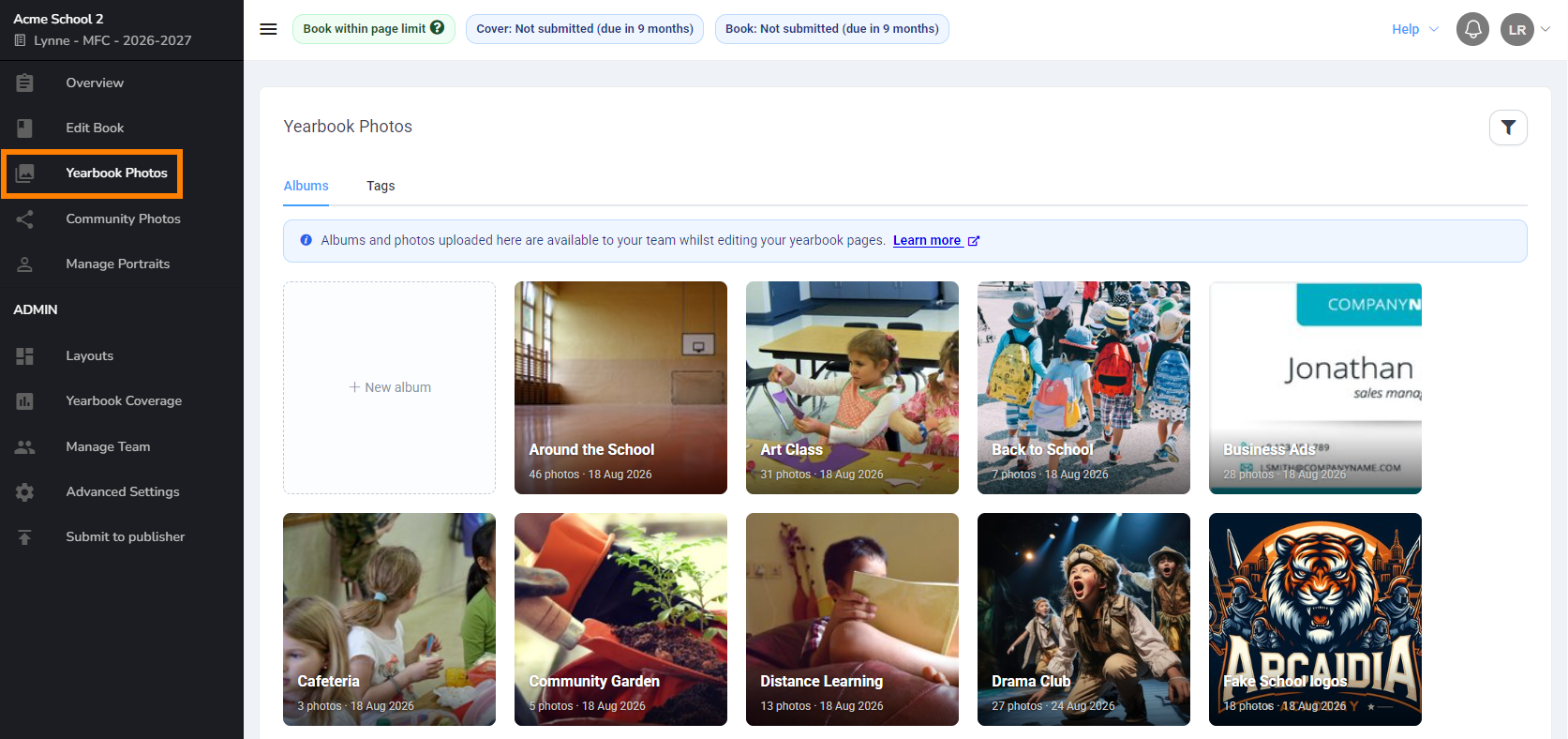
Yearbook photo albums store images that are accessible in the page editor for creating your page designs. When working in the editor, click the Photos tab to access your albums, then click into an album to access your images. 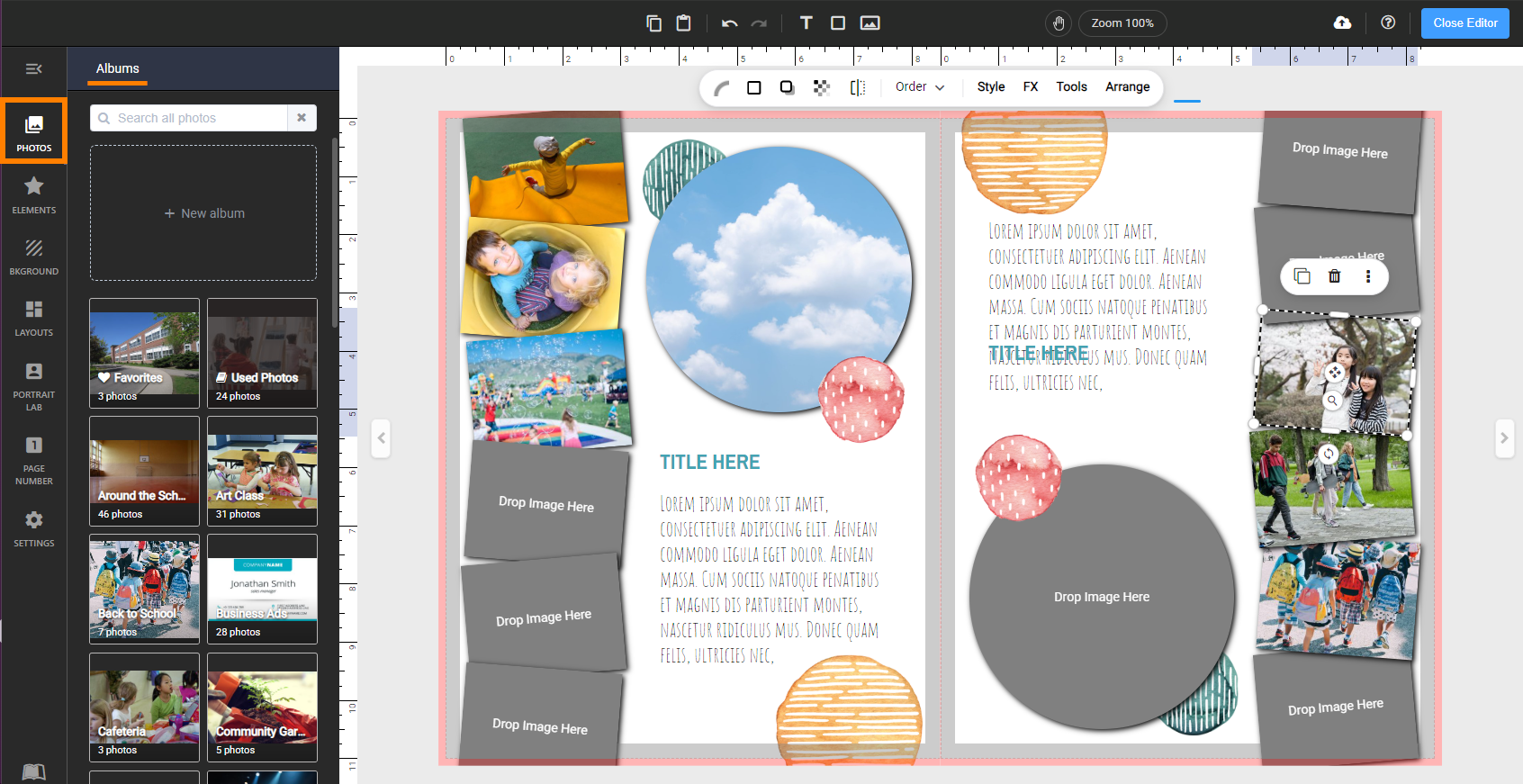
Community Photo Albums
Members of your school community may contribute photos to your yearbook via Community Photo Albums.
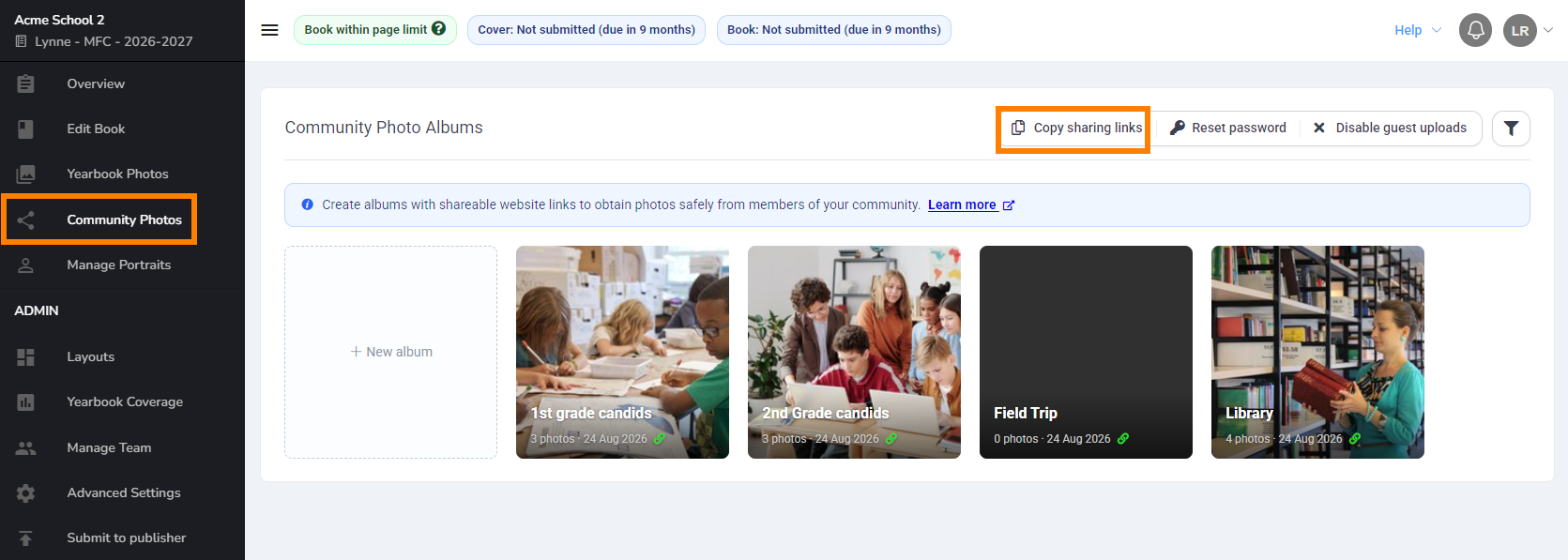
Community photo albums include a website address (url) which may be shared with your school community along with a password to keep access secure. Contributor may upload from any internet connected device. They will only see photos from the current upload session for safety & privacy reasons.
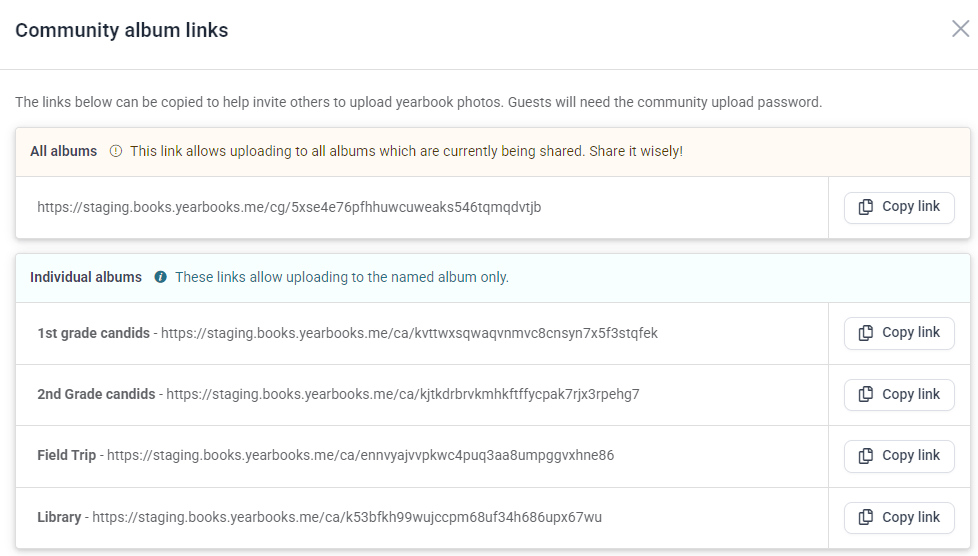 | 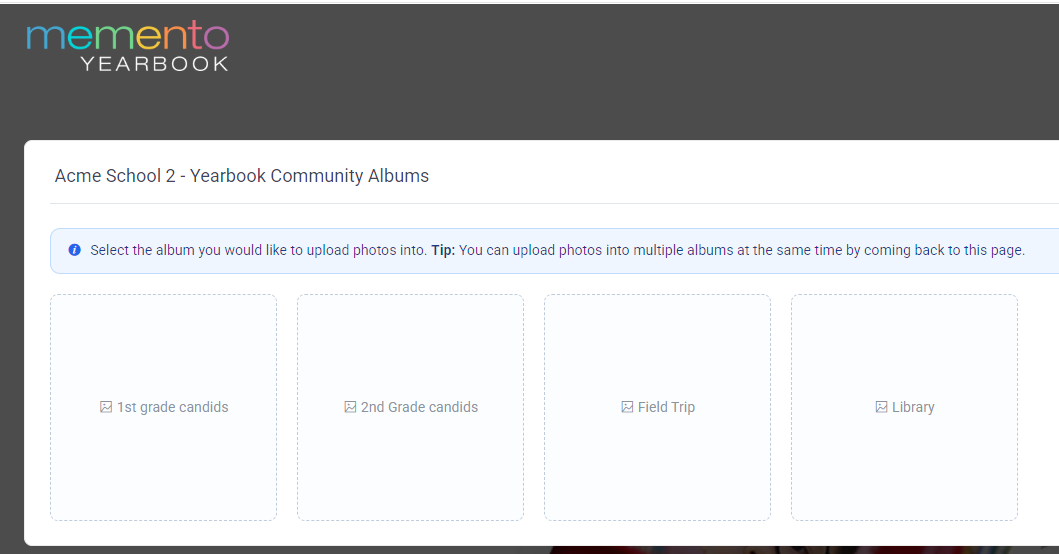 |
Images uploaded to community photo albums must be transferred by editors and/or editors-in-chief to a yearbook photo album to be used in the yearbook. This allows content to be selectively filtered so your albums are not overwhelmed with too many duplicates, bad quality photos, misfiled images, or inappropriate content in the editor.
PHOTO MANAGEMENT DOs | PHOTO MANAGEMENT DON'Ts |
| Create thematic photo albums reflecting the general organization of your yearbook. If you have a section dedicated to a theme, then create an album for it. eg: Holiday Concert, Carnival Day, League Soccer, 3rd Grade Class Candids. | Don't create catch-all folders specific to particular people, dates or micro-events that are part of a larger thematic section. You'll lose your photos in a clutter of albums. Avoid albums with names like these - Mr. John's photos, Bake Sale at Carnival Day, 2026-03-26 pics. |
| Be selective when choosing photos for your yearbook. Only upload photos that are candidates for inclusion in your book. | Don't upload photo burst series, badly cropped or out-of-focus images, or crowd shots where no one is facing the camera. Curated images makes for an easier design experience. |
| Pick only the best photos to appear on your page. There is no obligation to use every photo available for a particular theme. | Too many photos on a page does not tell a story. Try to set a limit of a dozen or less images per page so faces and activities can be properly seen. |
| Assign photographers to cover events early in the season. No dedicated yearbook photographer? Recruit event organizers and teachers to get the photos you need. Send out reminders before the event with a link to a Community Photo Album included. | Don't download images from the internet, such as general clip art, backgrounds, popular culture and news event photos. Most images require copyright clearance to use, and internet downloads are often very low resolution. Stick to your own photos and the decorative elements provided in Memento Yearbook to be safe. |
| Make the school itself a main character in your book. Photos of gardens & yards, sports fields & equipment, empty classrooms, hallways and other architectural features of your school environment make great graphic elements in your book. | Don't use low-resolution photos downloaded from your school's website. They will diminish the over-all quality of your professionally printed yearbook. |
Was this article helpful?
That’s Great!
Thank you for your feedback
Sorry! We couldn't be helpful
Thank you for your feedback
Feedback sent
We appreciate your effort and will try to fix the article