Elements (decorative clipart) may be resized, rotated and have image effects applied to them. By design, they may not be cropped or zoomed.
Click on the Elements tab in the Editor to review thematic collections of clipart. Click into the collection to review the options.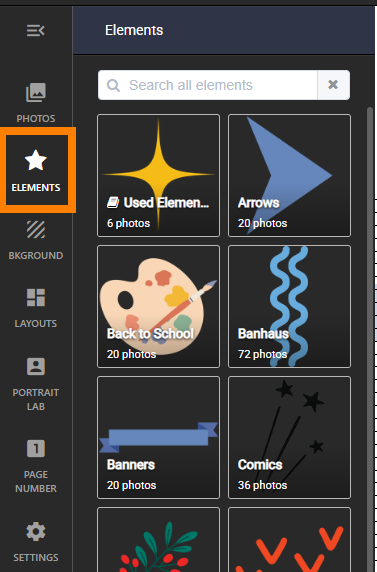 | Scroll down using the sidebar, and drag any element onto your page.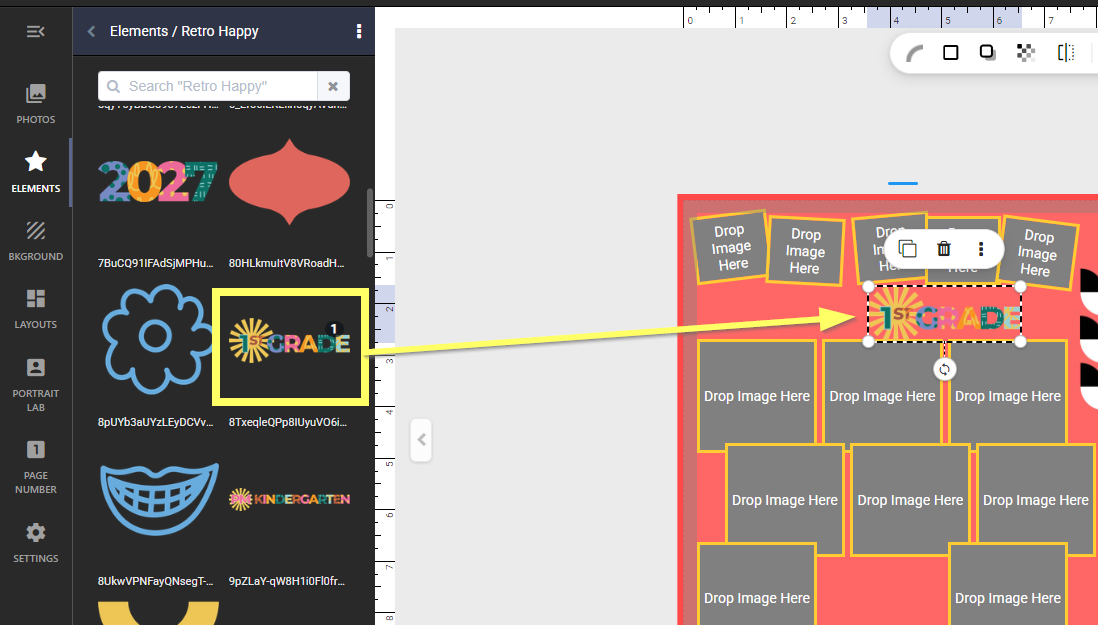 |
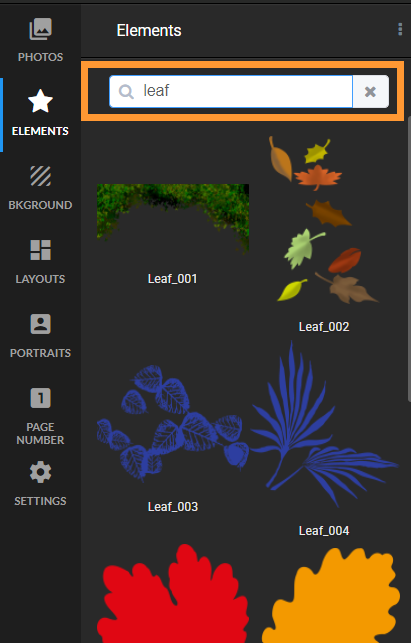
Use the search box to locate a specific type of decoration within a folder or searching the entire collection as a whole.
| To move back up to the top-level folders, click on the "back" arrow icon next to the collection name at the top of the pane. 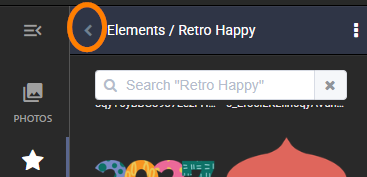 |
Did you know that Memento's elements collections can be filtered to only show the collections you want in your book? Learn more here. Many elements are part of a larger collection of layouts and backgrounds. Download the Memento collections catalog (pdf file) to review the options.
Recoloring elements
Elements may have Image FX applied to them. Use the various sliders to change the tones of the item. One set of elements may be customized for your book's theme. Copy/paste your adjusted elements to other pages in your book.
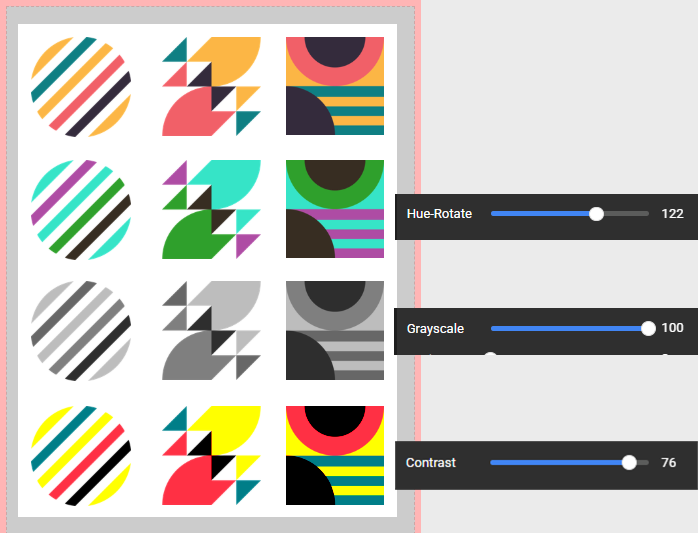 | 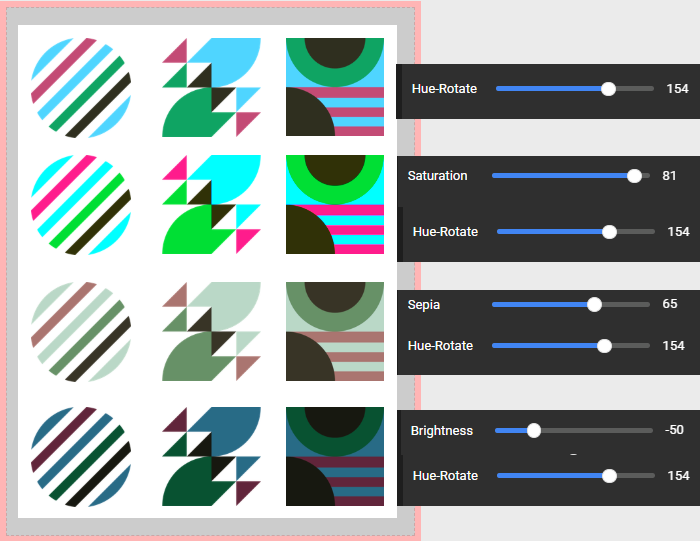 |
How do I make an element black or white?
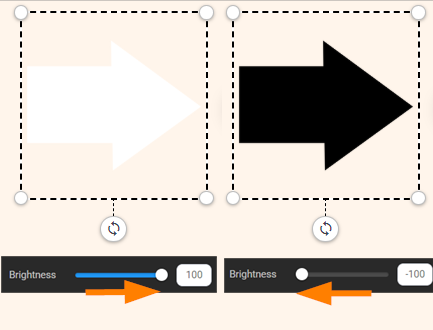
Select the element to access the FX option on its toolbar. Adjust the brightness slider: set it to -100 to make the element black, and +100 to make the element white.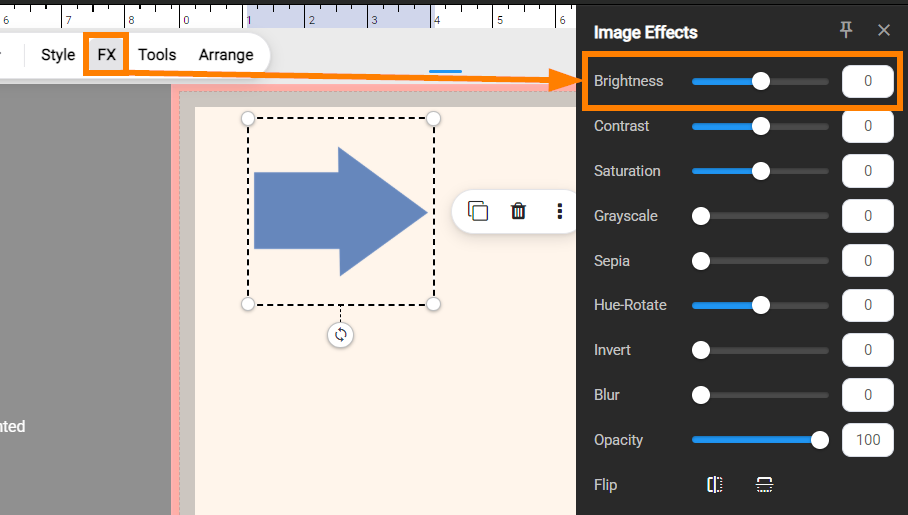
Sourcing custom decorations safely
If you have sourced clipart outside of Memento, ensure that it is a high-resolution .png format (min. 900x900 pixels) on a transparent background. Upload these into a yearbook photo album like any other image.
IMPORTANT: It is not recommended to download clipart from random internet searches: content is often low-resolution and not legally distributable. Decorative content used in your book should be commercially-distributable (public domain, includes a commercial use license) and unwatermarked. Avoid artwork from licensed properties (eg. characters, logos, art from books, movies, tv shows, websites, video games) or news outlets. Your printing company may refuse to print books with copyrighted or licensed content in them. Learn more about copyright and licensing.
Was this article helpful?
That’s Great!
Thank you for your feedback
Sorry! We couldn't be helpful
Thank you for your feedback
Feedback sent
We appreciate your effort and will try to fix the article