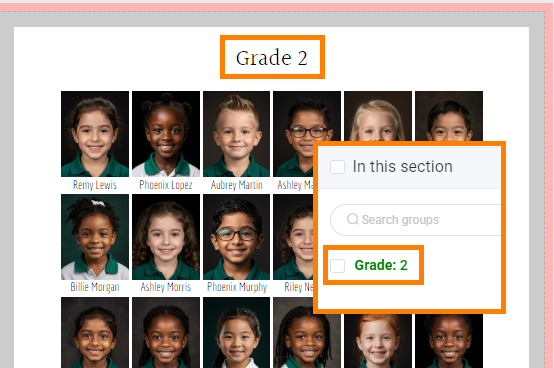
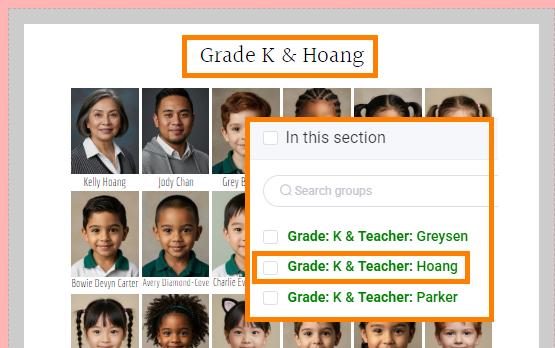
Page titles are automatically placed at the top of every portrait page in a default format. The page title height is set to 1 inch.
| 
| ||||||
| Page titles may be customized to update their formatting, style and content. |
|

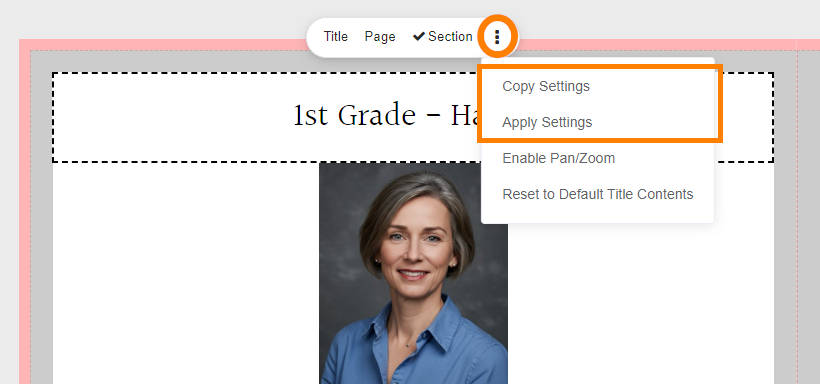
Copying styling between portrait titlesText styling (font properties and alignment, etc.) may be copied from one title frame to another individually or to an entire section.
|  |
Updating portrait page text contents
| By default, the page title text content is set to the name of the group that was flowed into the section. | 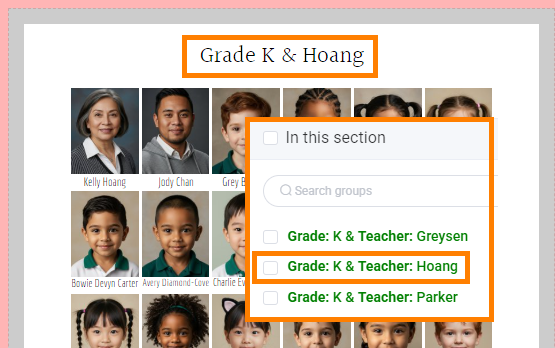 |
| The page title contents may be updated individually by clicking directly on a page title frame on the page. When the page title is selected, type inside the text frame to updated the text. Only the selected page will be updated. | 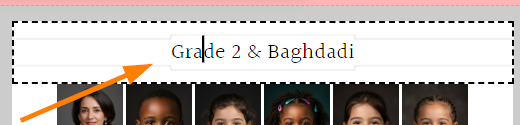 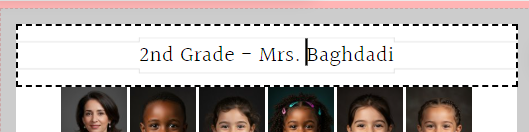 |
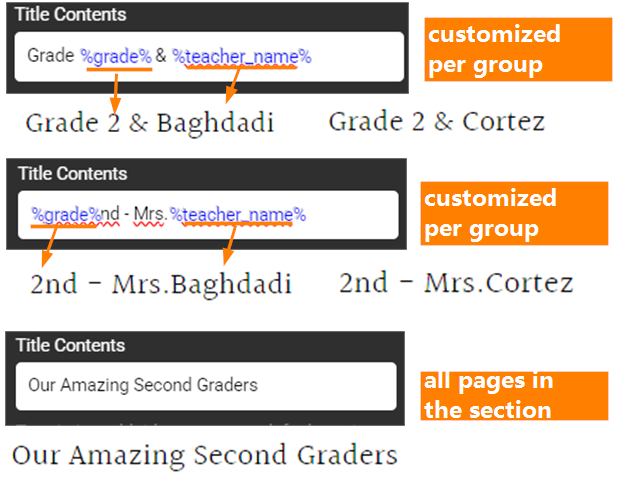
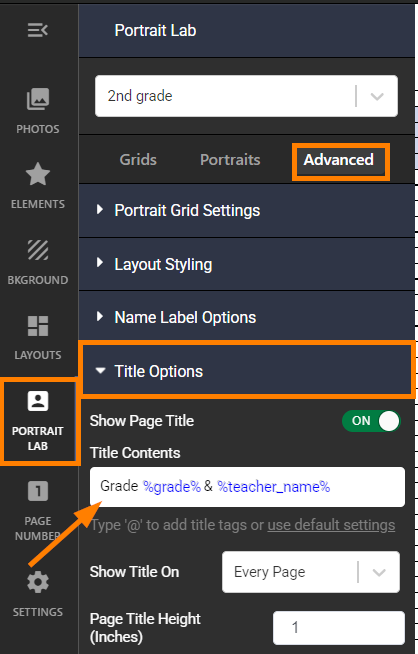
Portrait titles may be changed on all pages across the section using portrait manager data formatting.
Title contents includes words and punctuation (eg. Grade, &, -) and code related to the portrait database groups. For example, you might see %grade% %teacher_name% %department% and/or %homeroom%. The percentage signs are used to indicate that the information is related to the portrait database.
 |  |
Updating portrait page text styling
Page title font, size, color and shadow
|  Text size and shadow applies to all text in the title. Font and text color may be applied to selected text within the frame. |
Page title alignment
|  |
| 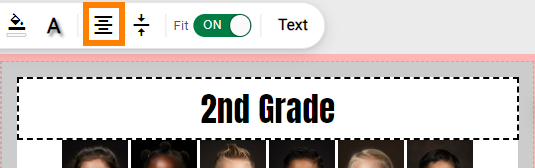 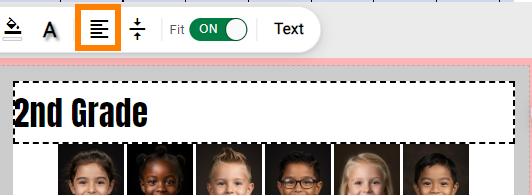 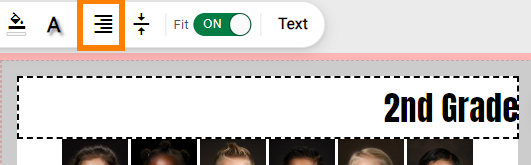 |
| 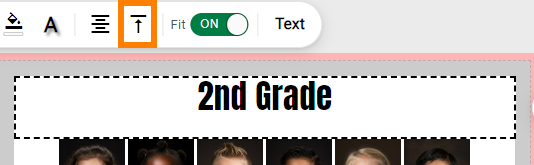 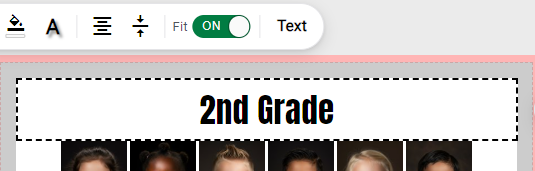 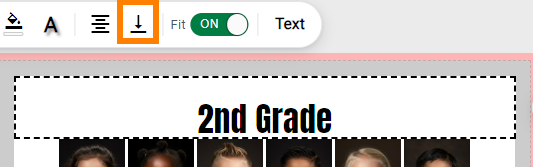 |
Advanced text features
| 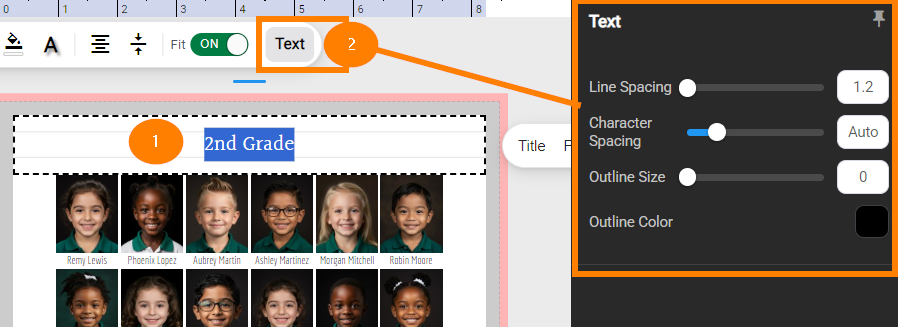 |
Portrait Page Title Area HeightBy default, portrait page titles are set to 1 inch tall.
| 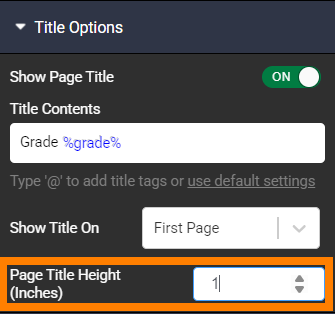 |
Turning the portrait page title on/off
Turning the portrait page title off every pageRemove the page title from all page within a section.
To keep the title area clear of text without the grid moving, replace the text contents with a single blank space. | 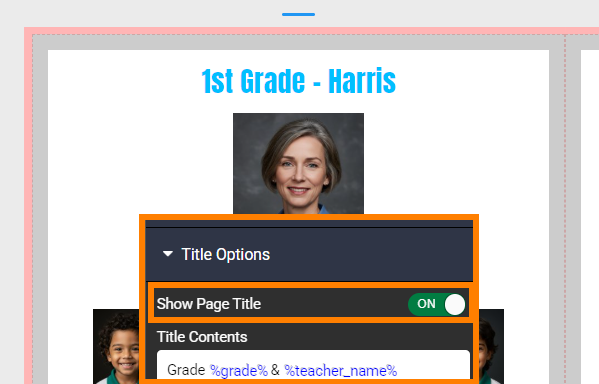 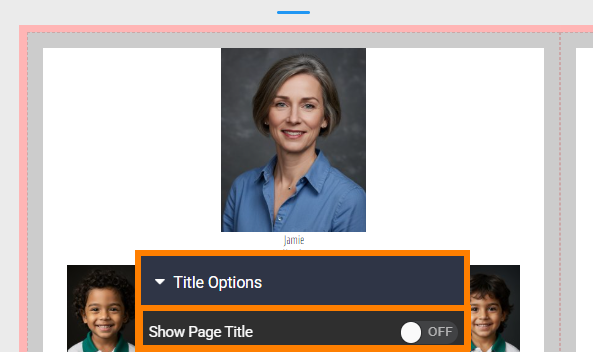 |
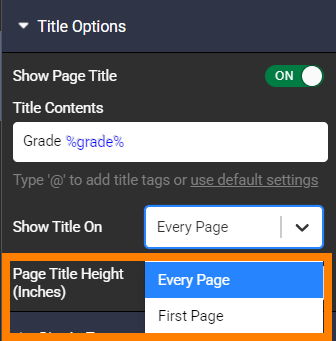
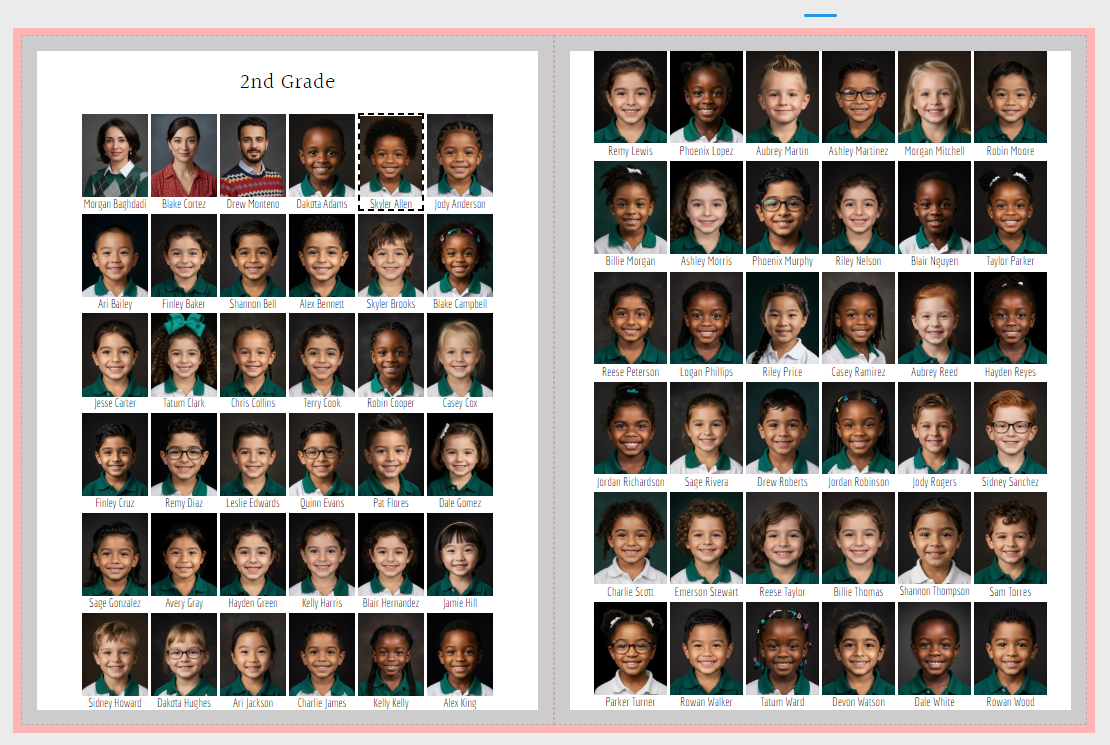
Multipage flow - title only on first pageIf your portrait flow includes a single group that spills onto several pages, you can display the title only on the first page of the flow.
|  TIP: To create even rows across the spread, set the page title height to match the height of a row of portraits. |
Was this article helpful?
That’s Great!
Thank you for your feedback
Sorry! We couldn't be helpful
Thank you for your feedback
Feedback sent
We appreciate your effort and will try to fix the article