Editors-in-Chief may access a coverage report to review how each student is represented in the yearbook. This view counts the number of times individuals are tagged in photos that appear in the yearbook.
First, review the yearbook photo collection to tag every students and staff member represented in images used on the yearbook pages. Details on tagging images are available in the Advanced Image Management Tools article. | 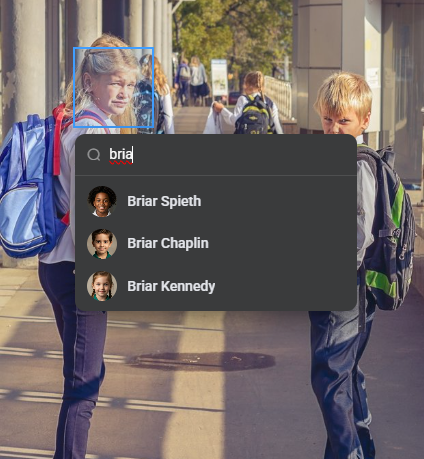 |
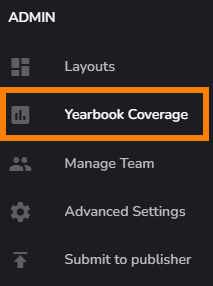 | The Yearbook Coverage report is available to Editors-in-Chief under the Admin tools menu |
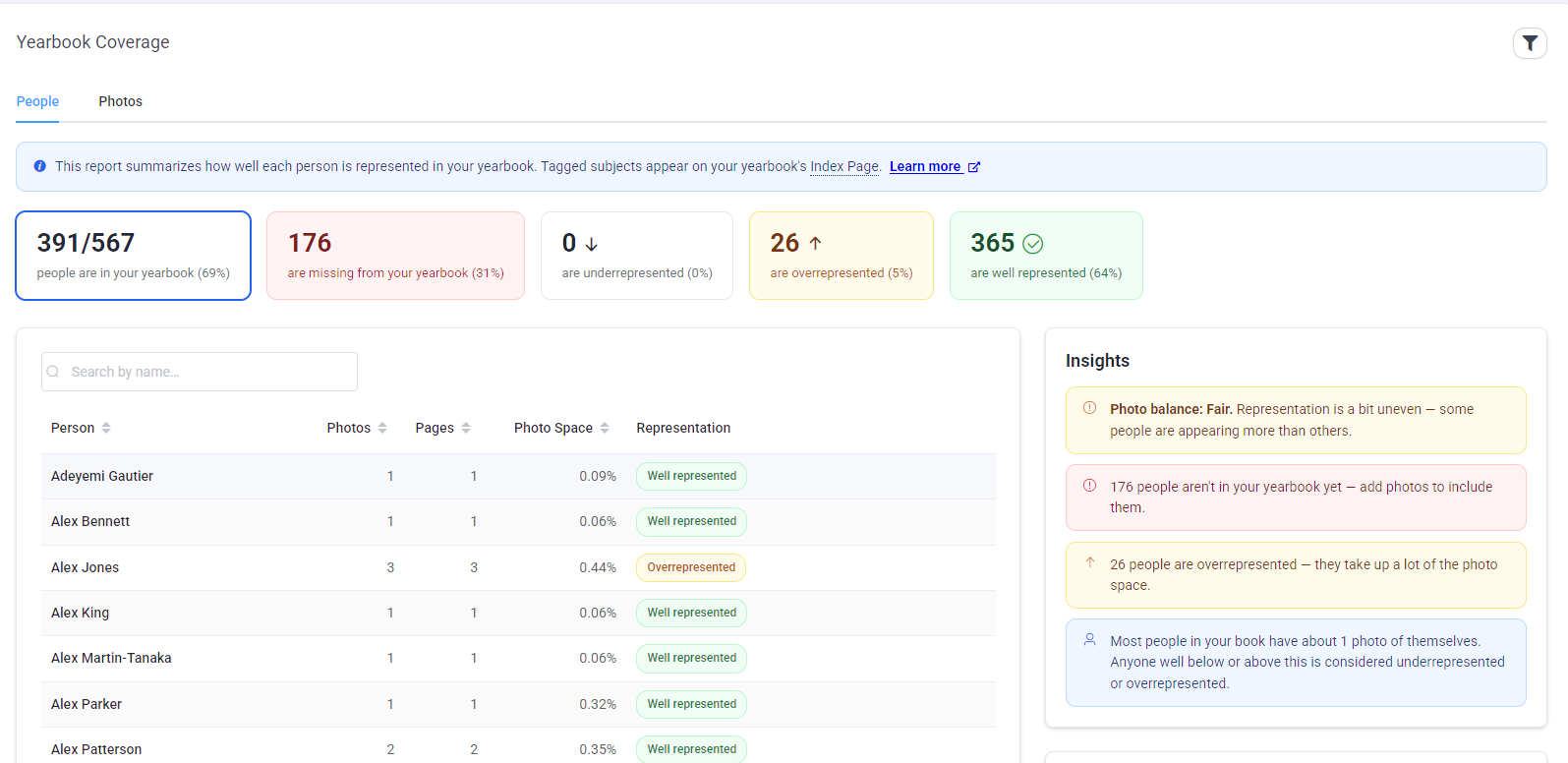
Review the report to look for over- and under-represented students, and students who do not appear in any photos other than their portrait image.
  |
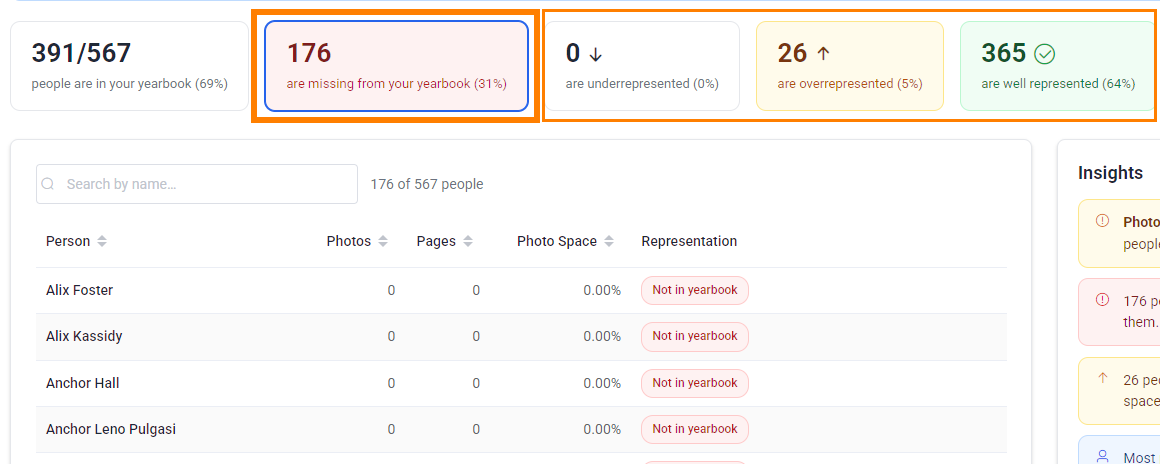
Click on the tabs at the top of the chart to focus on each category: missing from the book, underrepresented, overrepresented and well represented.
| A summary report provides quick stats and tips to remediate imbalances in representation. | 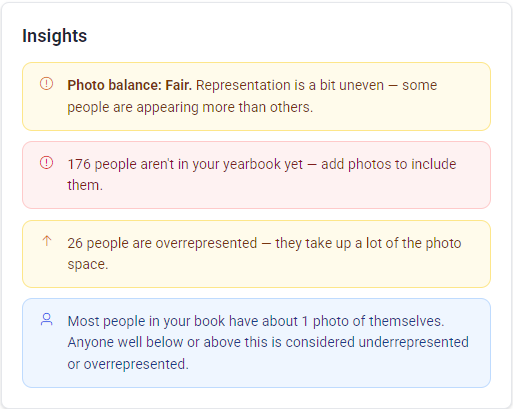 |
Click on any name in the table to review details about the individual. Click on View Photos on their details pane to review the image(s) that were tagged with their name. | 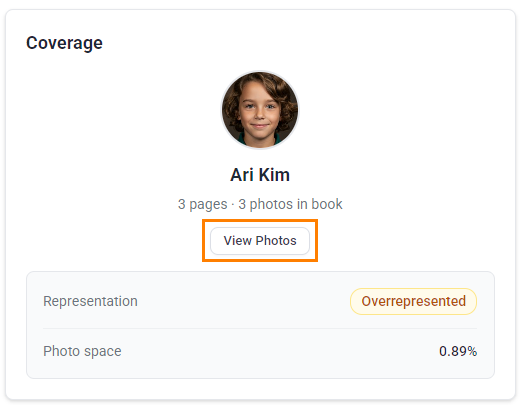 |
Was this article helpful?
That’s Great!
Thank you for your feedback
Sorry! We couldn't be helpful
Thank you for your feedback
Feedback sent
We appreciate your effort and will try to fix the article