| The book manager includes the ability to highlight pages by status or ownership. The Highlight option is located at the bottom of the book ladder. To highlight pages, click on the V arrow to choose which feature to highlight. When a highlight is turned on, all other pages will be greyed out. | 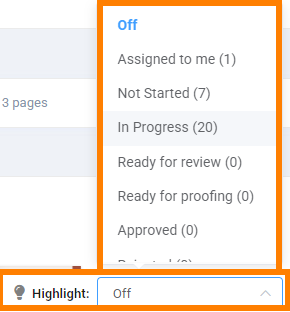 |
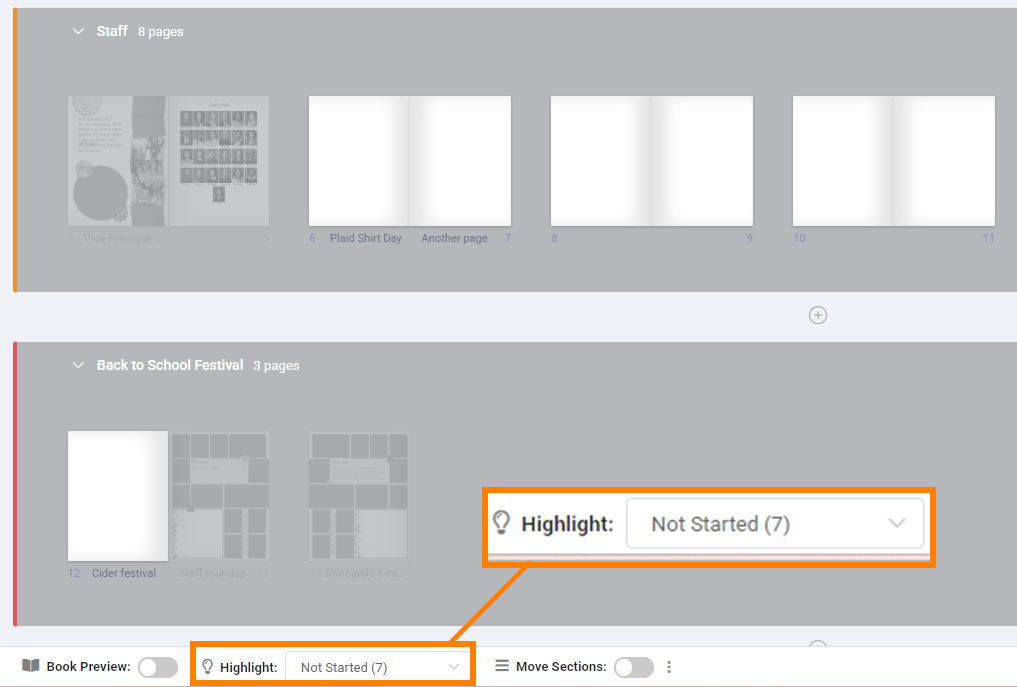
Editors can see which pages have not been started, or that are in progress (worked on, but not completed).
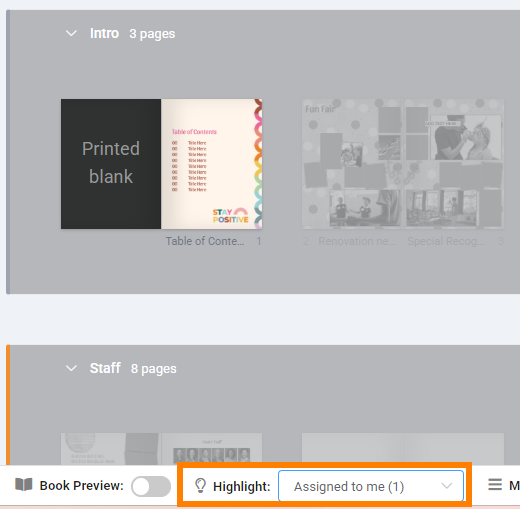
All users can highlight the pages assigned to them.
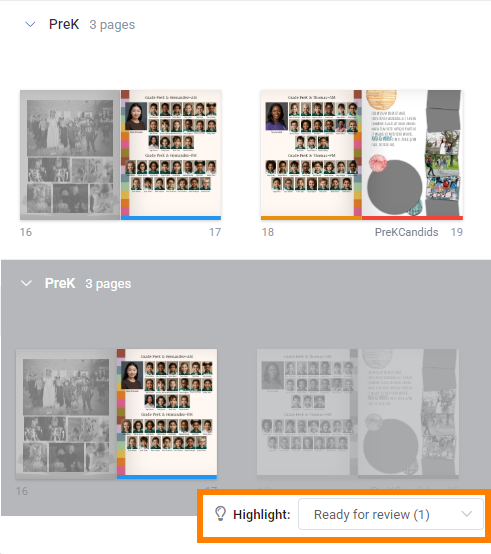
You can view pages according to their proofing or approval status. Editors-in-chief, for instance, can easily see which pages are ready to be reviewed, which are ready for proofing, or that have been approved or rejected. Details on Memento team pre-submission proofing tools are available here.
Was this article helpful?
That’s Great!
Thank you for your feedback
Sorry! We couldn't be helpful
Thank you for your feedback
Feedback sent
We appreciate your effort and will try to fix the article