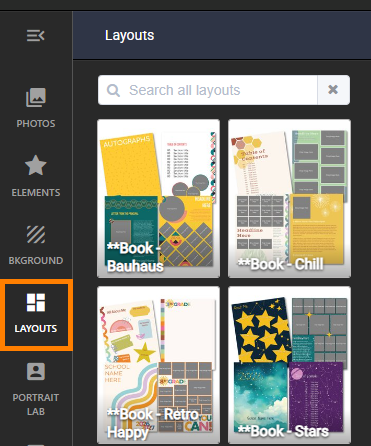
Layouts are predesigned pages composed of empty image frames, shapes, backgrounds and text. They are available under the Layouts tab in the page editor in collections.
Editors-in-Chief may also save pages as layouts and built custom layouts. Learn more about creating custom layouts in this Book Management article.
The Memento Layout Collection
Layouts are completely editable - change the background, font attributes, frame shape and border, etc. as you like. Copy & paste existing elements on your page to add additional frames. You can try out layouts on your page until you find the right one for you.
The Layouts tab displays separate collections for interior pages and covers, designed to fit the page size.
Did you know that Memento's Layouts collections can be filtered to only show the collections you want in your book? Learn more here. Many layouts are part of a larger collection of backgrounds and elements. Download the Memento collections catalog (pdf file) to review the options.
Access the Layouts tab in the page editor to locate a collection of your choice. Click into a collection to view the available layouts, scrolling down if needed. | Simply click on a layout to apply it to your page. Blank pages will display the layout exactly as designed.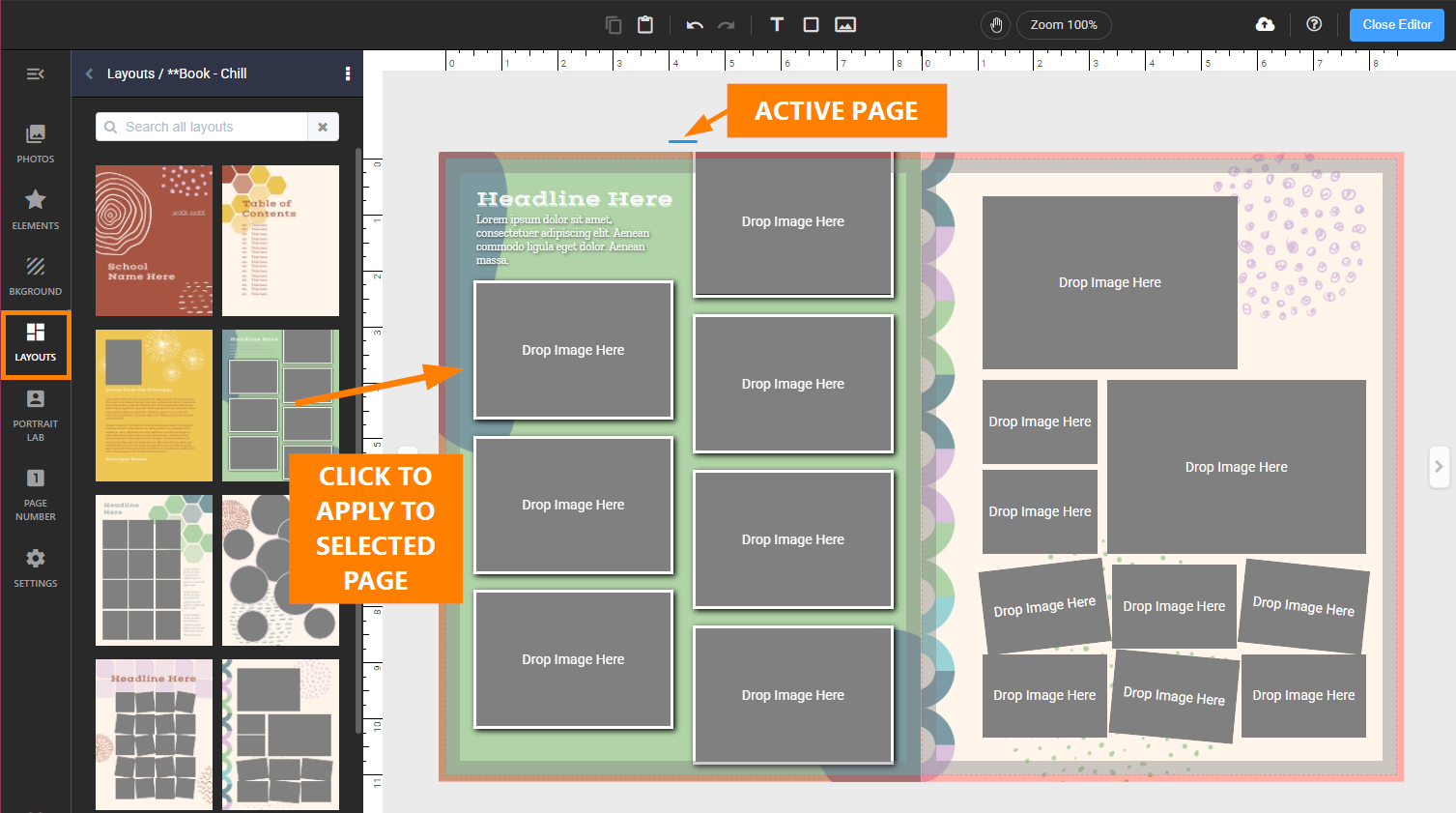 |
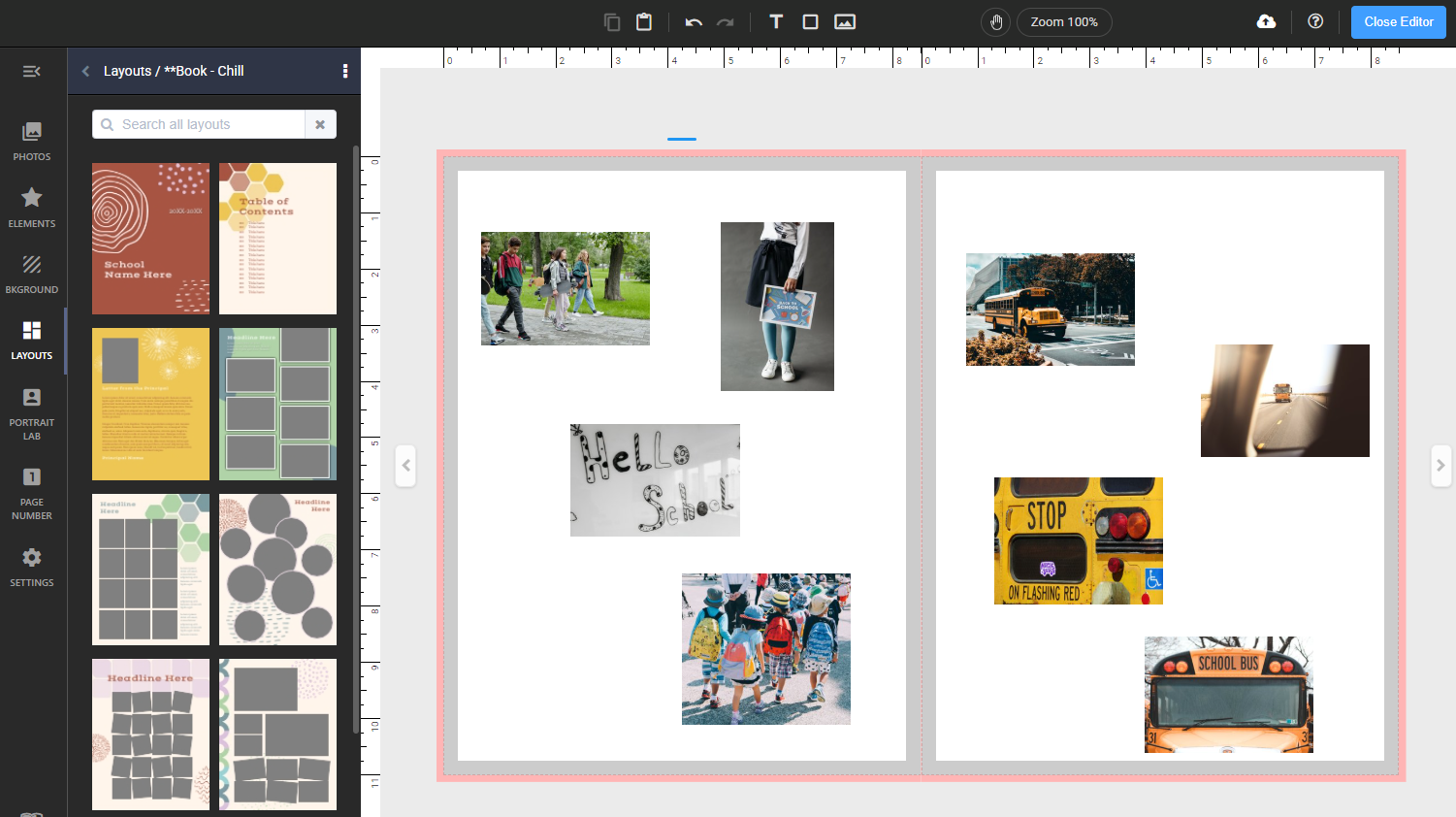
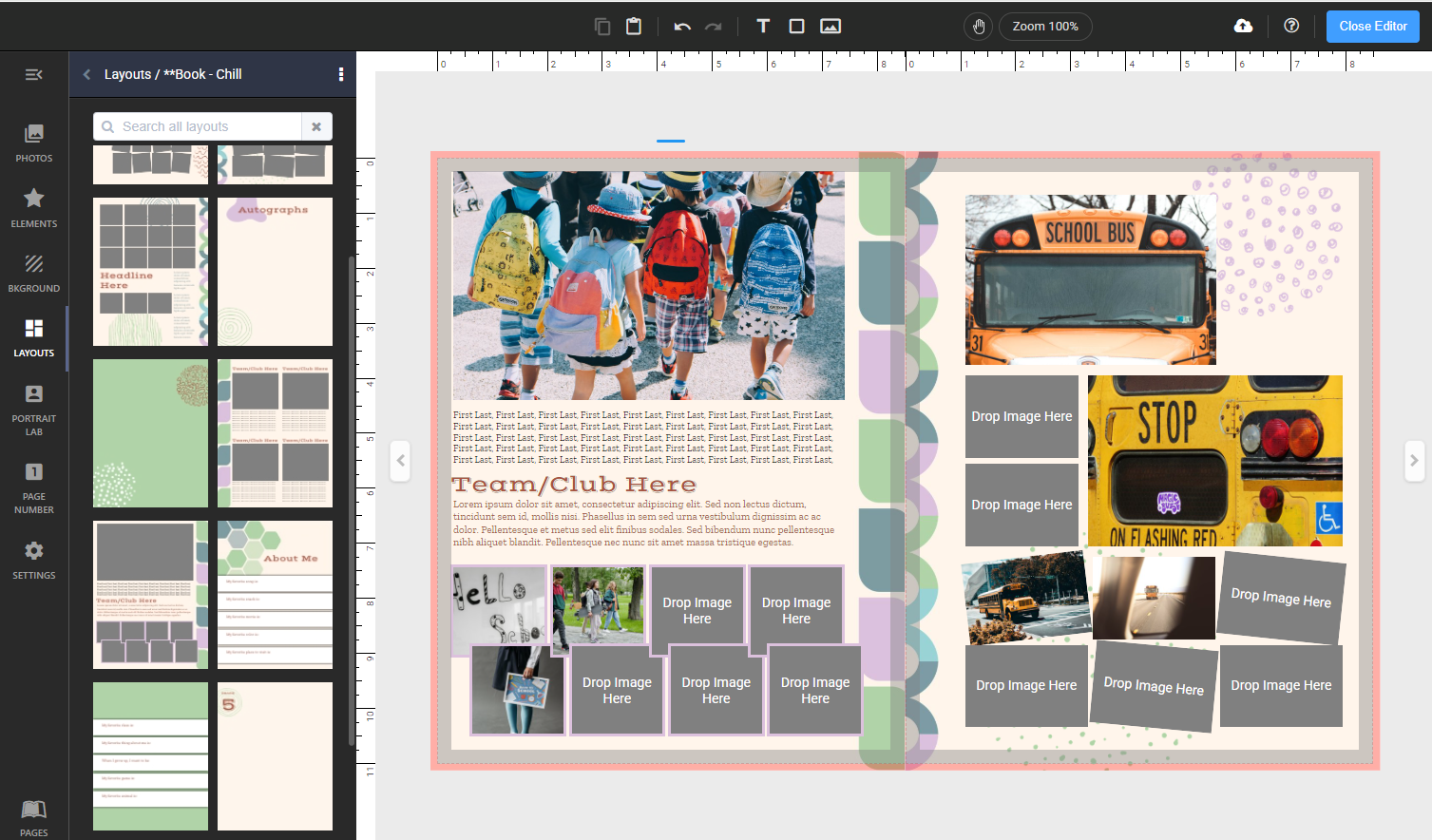
If the selected page already has photos and text placed onto, this content will transfer to the applied layout.
 |  |
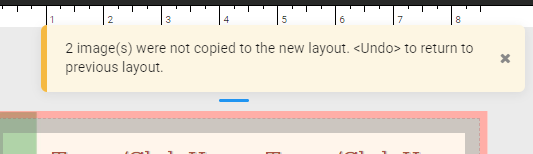
If the layout has less image or text frames than the page it is replacing, a warning will appear to warn that some of the content was removed. Use Undo to restore your original layout and recover the deleted content
|
|
Customizing & Flipping Layouts
Layouts may be completely customized. Swap out backgrounds (new image, image fx to recolor, etc.), change text styling, add/remove/resize frames, dragging frames across the gutter, etc.
Layouts may be flipped horizontally and vertically. Access the layout flipping option on the top menu.
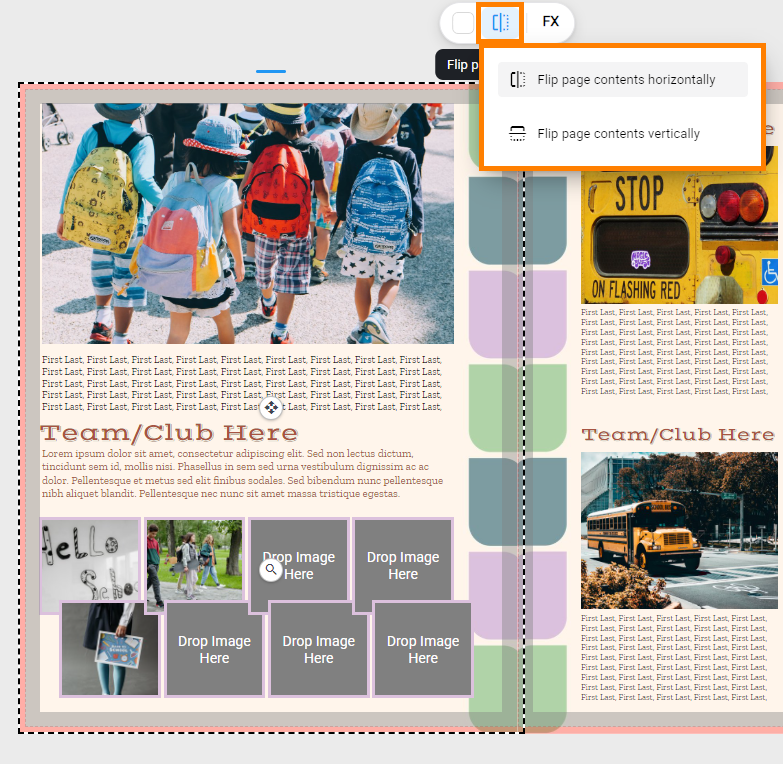
Use layout flipping to create variations and mirror effects on both sides of a spread.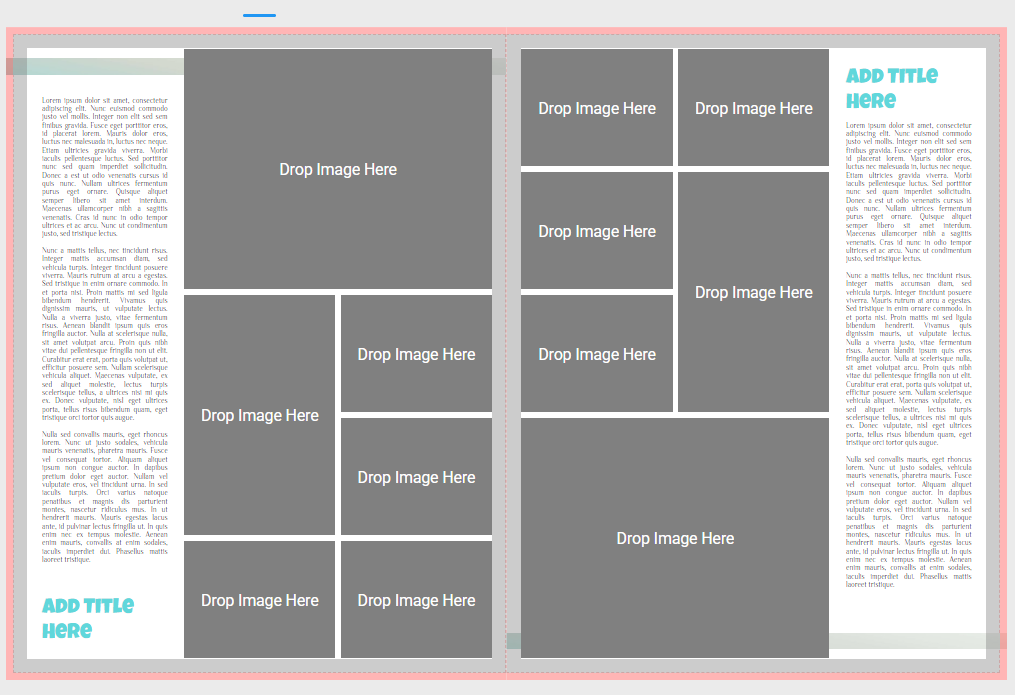
Was this article helpful?
That’s Great!
Thank you for your feedback
Sorry! We couldn't be helpful
Thank you for your feedback
Feedback sent
We appreciate your effort and will try to fix the article