A Memento Yearbook offers a variety of features to make your text stand out and enhance the overall design of your yearbook.
Adding a text frame to a page
Click on the T icon on the top menu bar. An empty text frame will appear on the selected page. Click into the text box to type.
Adjusting text font and size
Select all or part of the text within the text frame to adjust its font and size.
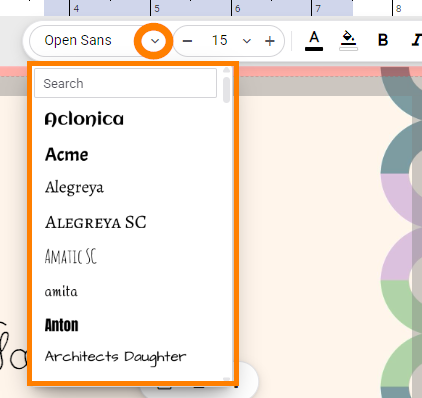
To adjust the font, click on the font selector. Scroll through the list of options or type the name of the desired font in the search box at the top of the list. A complete font list is available here. If the selected font includes Bold and Italics, these options will appear in the toolbar.
 |  |
Text size may be adjusted with a set point size.
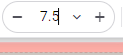
Click on the - or + buttons next to the font size to increase or decrease the font size by 1 point. Note that you can also type a font size directly into the selection box, including sizes with decimal point. | 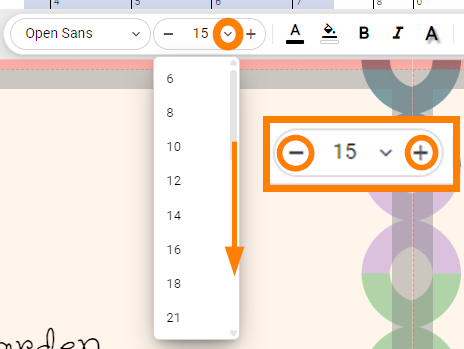 |
Text size may be adjusted dynamically using the resize to fit option. Turn on the Fit button and set a maximum font size. As the text frame is resized, the font size grows or shrinks according to the size of the frame. |  |

Did you know that Memento's font collections can be filtered to only show the fonts you want in your book? Learn more here.
Adjusting text colorSelect all or part of the text within the text frame to change its color. To adjust text color, click on the text color button on the toolbar. The color picker will open. Choose a hue, adjust brightness and opacity, as desired. 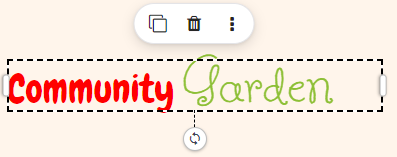 | 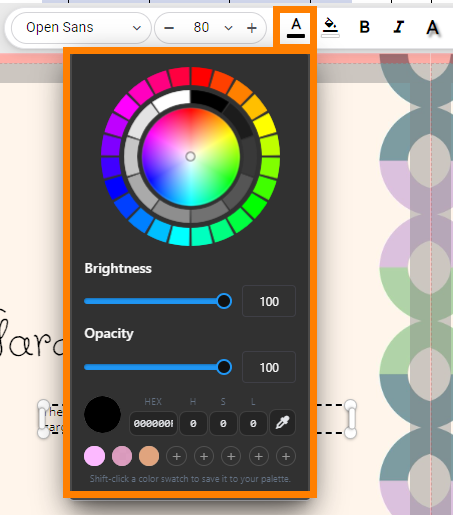 |
Adjusting background colorSelect all or part of the text within the text frame to change its background color. The color picker will open. Choose a hue, adjust brightness and opacity, as desired. 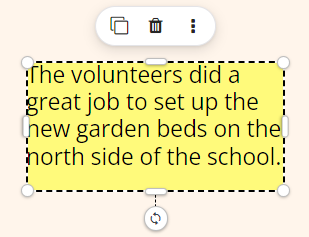 | 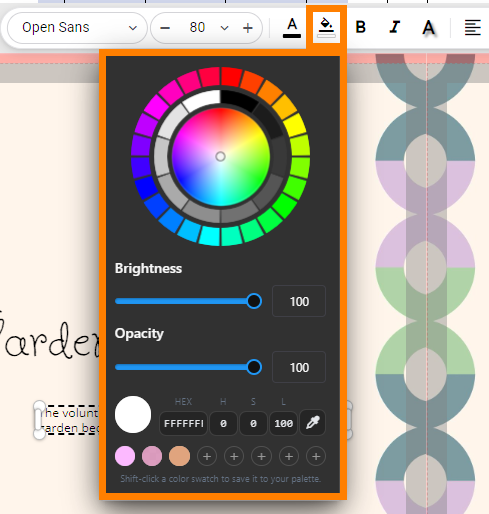 |
Adjusting text shadowSelect all or part of the text within the text frame to change its shadow properties. Turn the shadow on, choose a color, and adjust the shadow blur, depth and angle as desired. 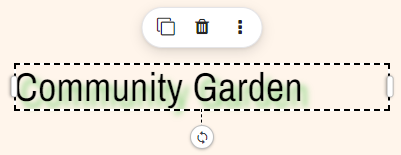 | 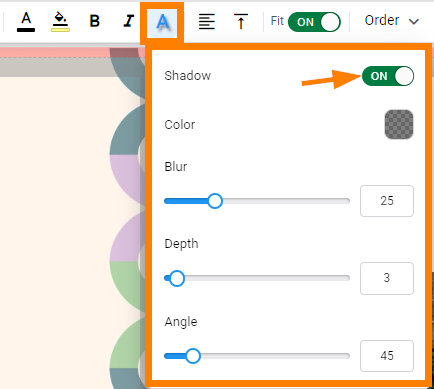 |
Text alignment
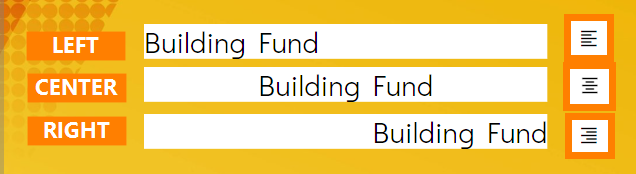
Text may be aligned within its frame. Select a text frame, then click on the alignment button in the toolbar. Each click changes to the next setting: left, center or right alignment. Note that alignment applies to the entire text frame, not selected text within a frame.

Text orderText frames may be reordered on the page to move them higher or lower on the frame stack. Select a frame. Click on the Order button on the toolbar. | 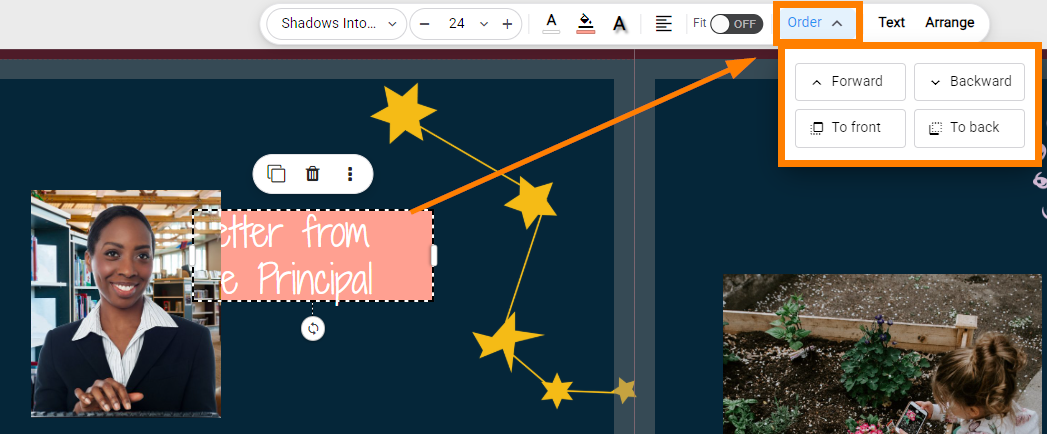 |
| Choose to move the frame forward or back incrementally, or choose to move the frame to the front or back of the stack. | 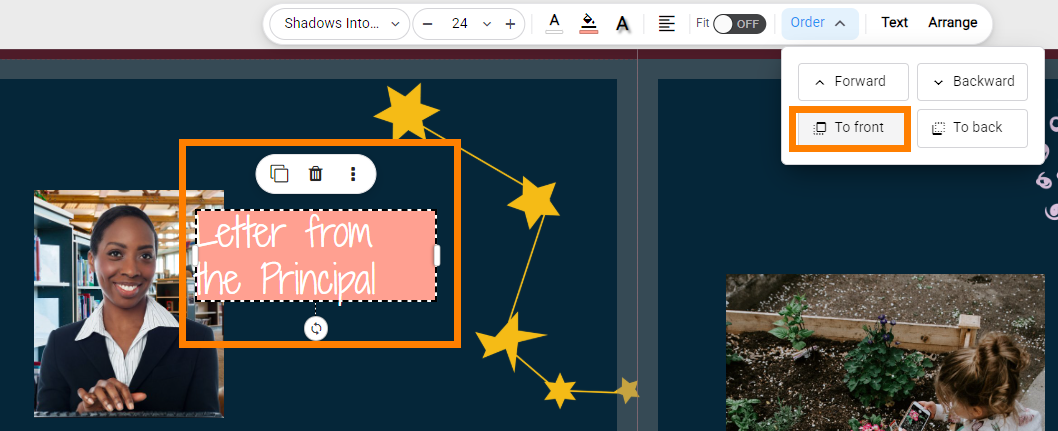 |
Advanced text features
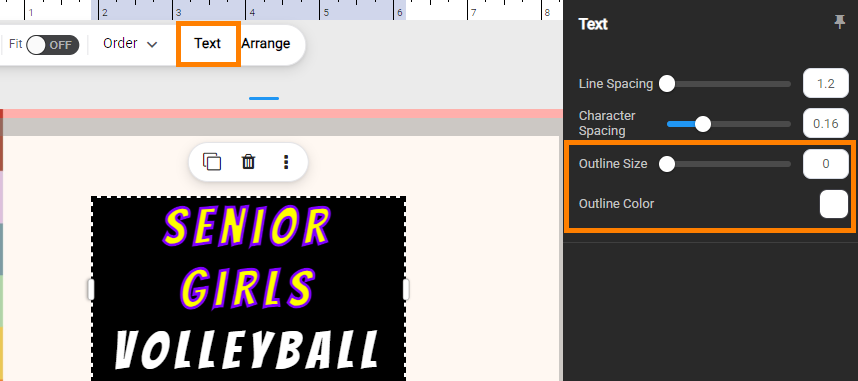
Less commonly used features are available by clicking on the toolbar's Text button. The right-side pane will open to reveal Line Spacing, Character Spacing, Outline Size and Outline Color options. Click on the pin icon to dock the right-side page so the canvas is reframed, or leave it unpinned to dynamically open and close the pane.
Line SpacingSelect a text frame. Click on the Text button on the toolbar. Adjust the line spacing slider. Decreasing the value will pull the text closer together (overlapping it); increasing the value will pull the text apart, creating more space between the lines. 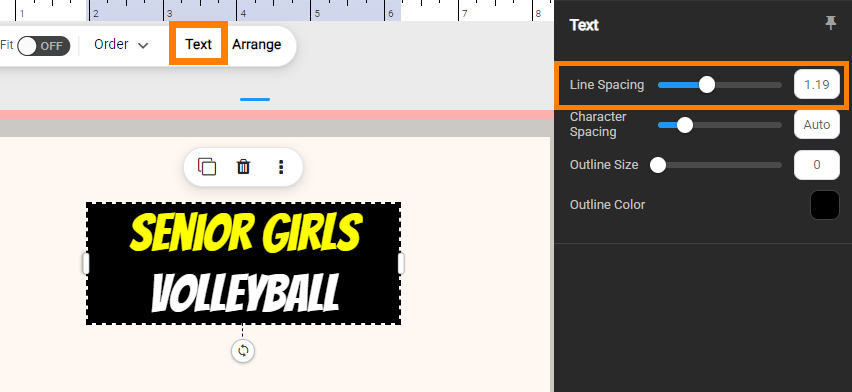 Note that line spacing applies to the entire text frame, not selected text. | 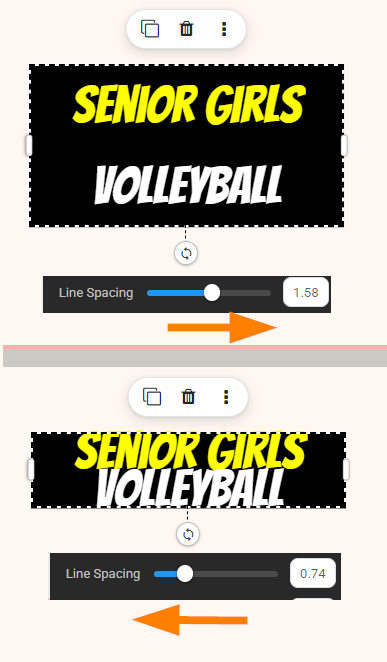 |
Character SpacingSelect a text frame. Click on the Text button on the toolbar. Adjust the character slider. Decreasing the value will pull the letters closer together (overlapping them); increasing the value will pull the letters apart, creating more space between them.
Note that character spacing applies to the entire text frame, not selected text. | 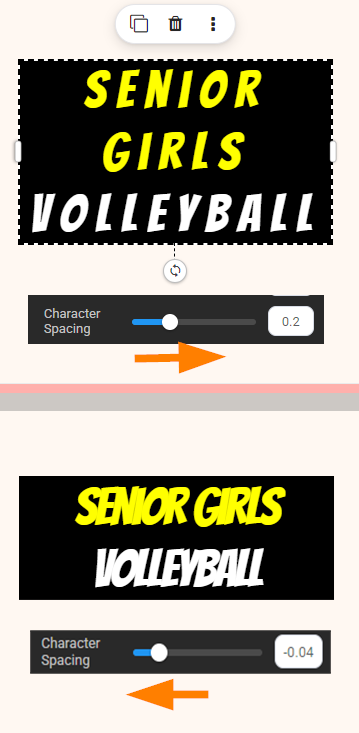 |
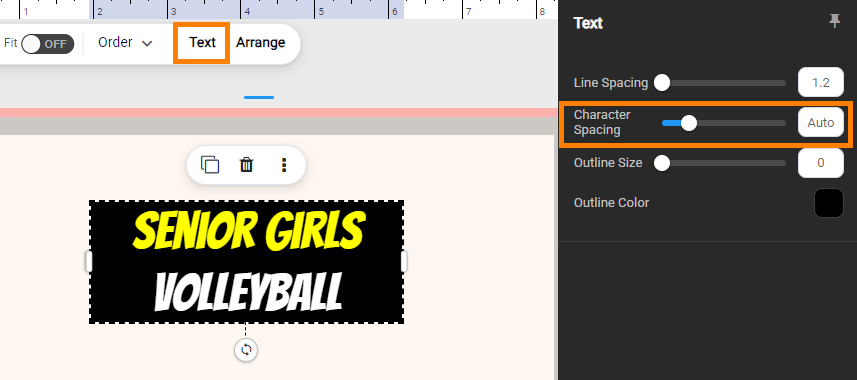
Outline size and colorSelect a text frame. Click on the Text button on the toolbar. Adjust the outline size slider to set the width of the text outline.
| 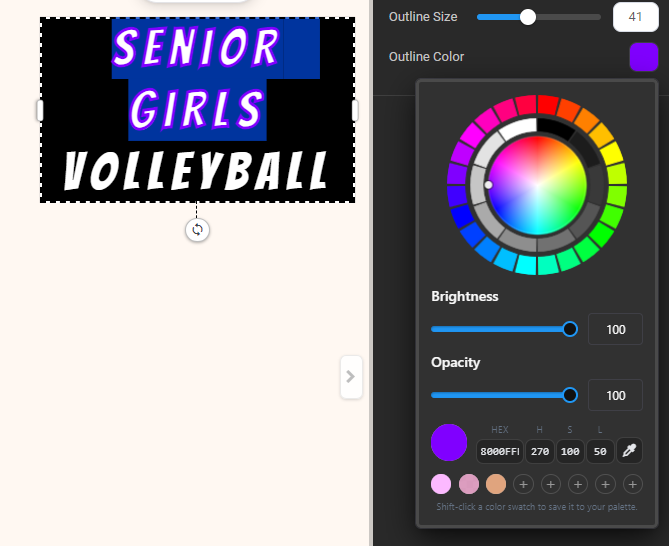 Note that outline may be applied to selected text within a frame. |
Was this article helpful?
That’s Great!
Thank you for your feedback
Sorry! We couldn't be helpful
Thank you for your feedback
Feedback sent
We appreciate your effort and will try to fix the article