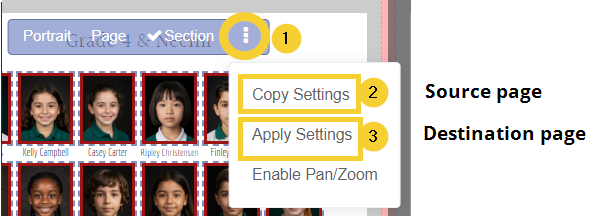
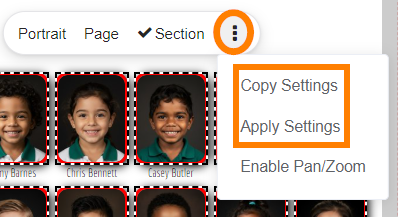
Portrait images are styled directly on the portrait page, just like a regular text image frame. Portrait templates using decorative elements and two portraits may also be customized.
| Image border, shape, shadow & FX | |
|  |
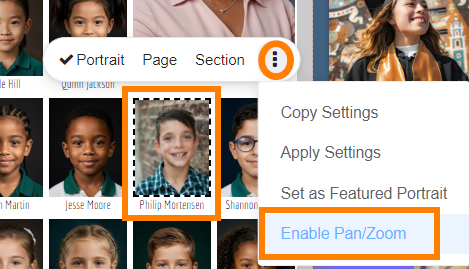
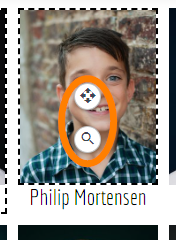
Re-cropping a portrait image
|  |
|  |
| 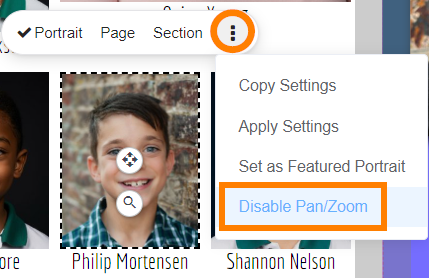 |
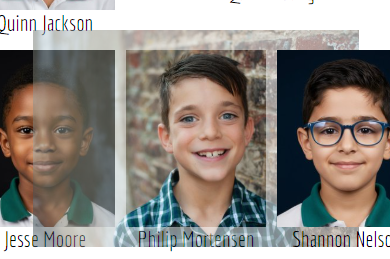
Image border, shape, shadow & FX
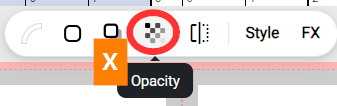
Do not use Opacity controls on any portrait image.
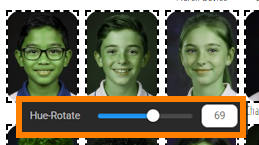
| Do not use Image FX - Hue/Rotate, Brightness, Contrast or Saturation on the portraits supplied to you by your studio. These should be professionally color corrected.
|
Applying an effect to a single portrait 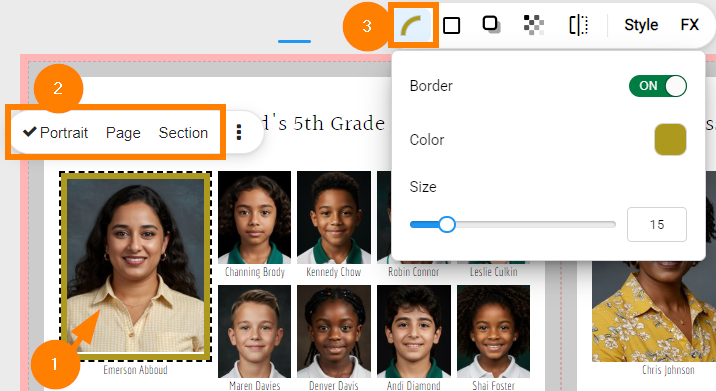 | Applying an effect to all images on a page 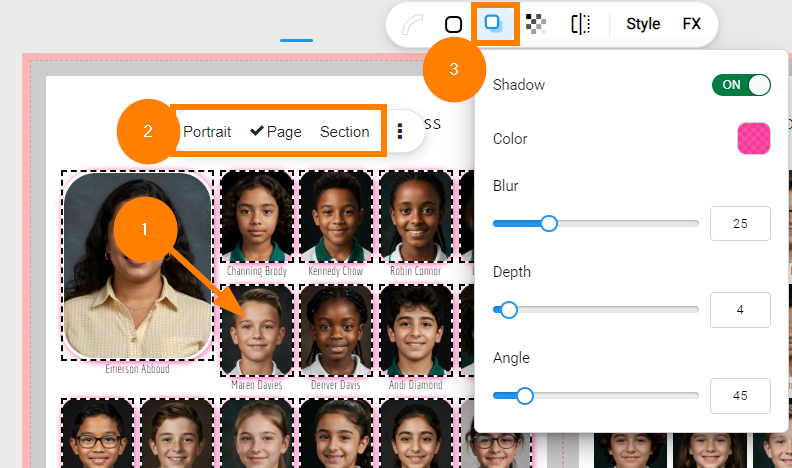 |
Shape frames & elementsPortrait templates that include a shape frame or decorative elements may be customized.
| 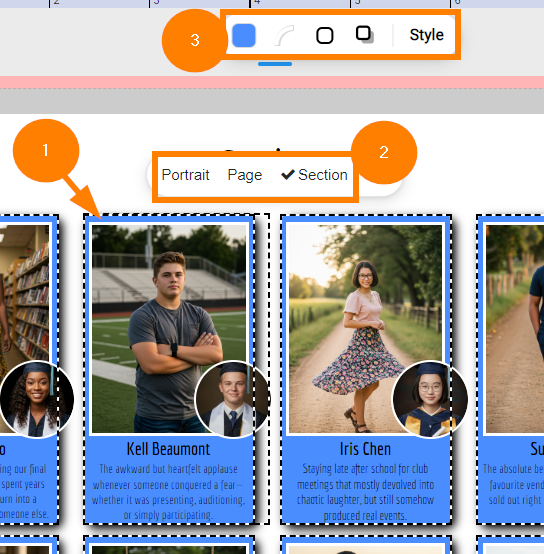 |
| 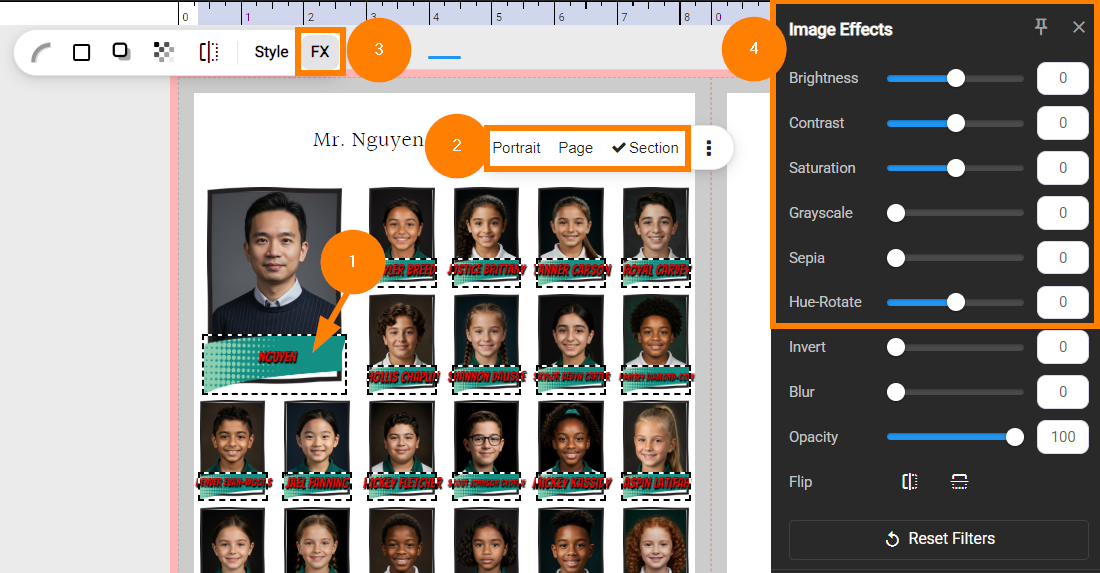 |
Duo mode portrait templatesPortrait templates with two photos may be styled separately.
Choose which image appears in the primary and secondary portrait on the Portrait Lab > Advanced Settings > Layout Styling area. | 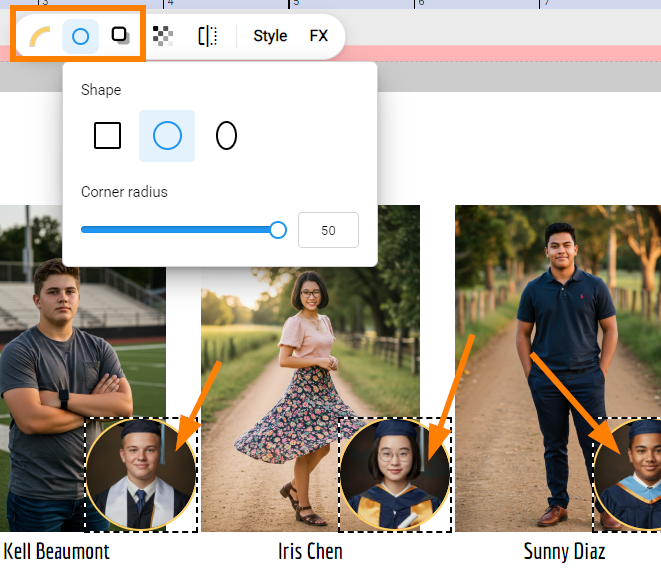 |
Was this article helpful?
That’s Great!
Thank you for your feedback
Sorry! We couldn't be helpful
Thank you for your feedback
Feedback sent
We appreciate your effort and will try to fix the article