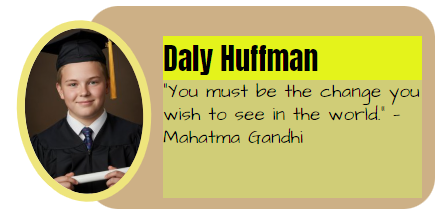
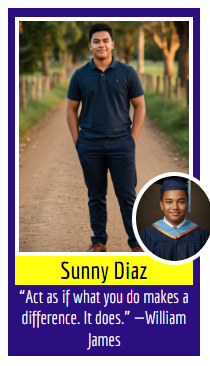
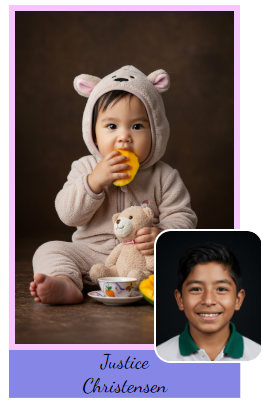
Memento has made it easy to create special senior class pages. The portrait manager includes the ability to add up to three photos per person, and add extra text for memories and quotes.
Because the portrait manager presents your portrait data in a table format, It is easy to see which senior is missing their baby pics or hasn't submitted their quote yet.
This extra portrait data is used in special portrait templates in the editor, letting you create fun, creative senior pages. Best of all, because the data is tied to the portrait manager, any updates automatically reflow on your pages. Add an extra person, upload a last minute baby pic, and ensure special memories always appear next to the right senior image -- there's no hassle to manage your senior pages.
 |  |  |
Details on how to add additional photos and text in the portrait manager is reviewed in the Updating Portrait Info and Images article. Below is a quick video viewing how to add these features.
Was this article helpful?
That’s Great!
Thank you for your feedback
Sorry! We couldn't be helpful
Thank you for your feedback
Feedback sent
We appreciate your effort and will try to fix the article