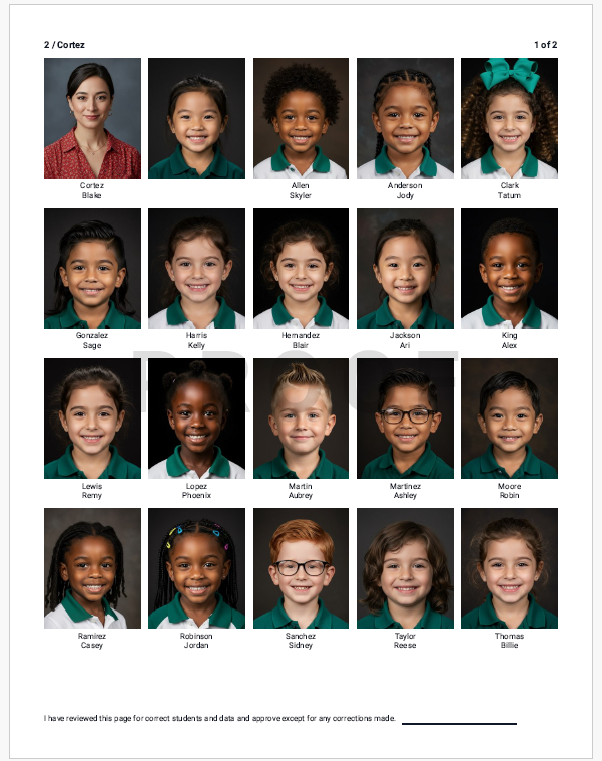
The portrait manager includes the ability to generate proofs of the portrait set with data included, suitable for staff review and sign-off, saved as a pdf or printed on your local printer.
| Access the portrait manager. |  |
| Click on Proof Sheets in the top right area of the page. |  |
| A list of groups will appear on the left side of the page, defaulted to Grade + Teacher. To change the group structure, access the Group By dropdown at the top of the page. If Grade + Teacher does not work for your school, choose to group only by grade, by teacher, by homeroom or by department. | 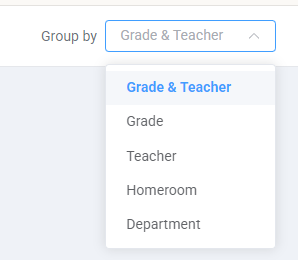 |
| Select the groups you want to include in the pdf: Select all to generate a single multi-page pdf or printout of the entire portrait set, or checkmark the groups you want to include. | 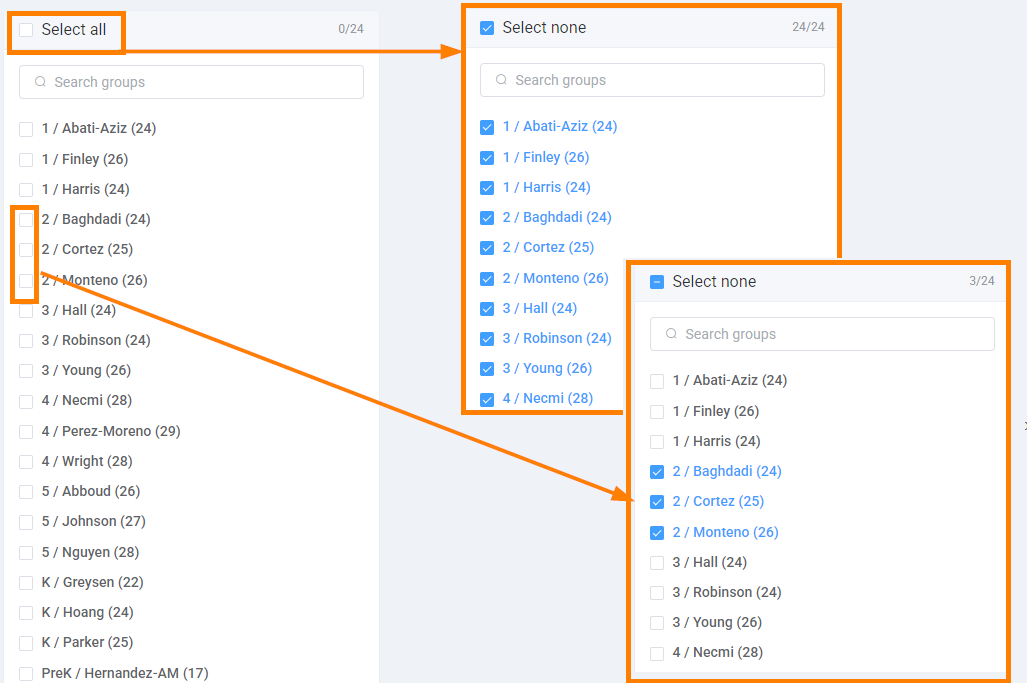 |
| A preview of your selected groups will immediately appear after one group is selected. | 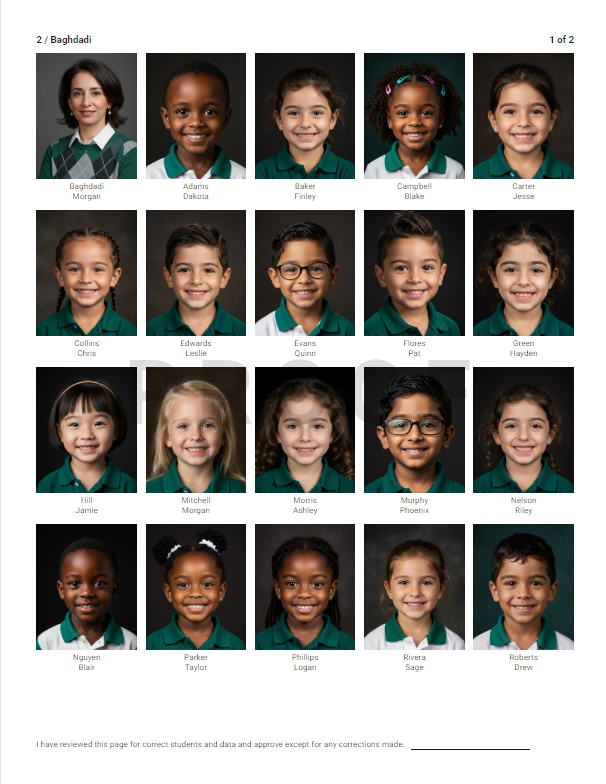 |
| Click Print in the top right corner. |  |
| Choose to save the file as a pdf, or select the destination of a local printer available if on your computer/network. Click the Save button at the bottom of the page to generate the desire output type. | 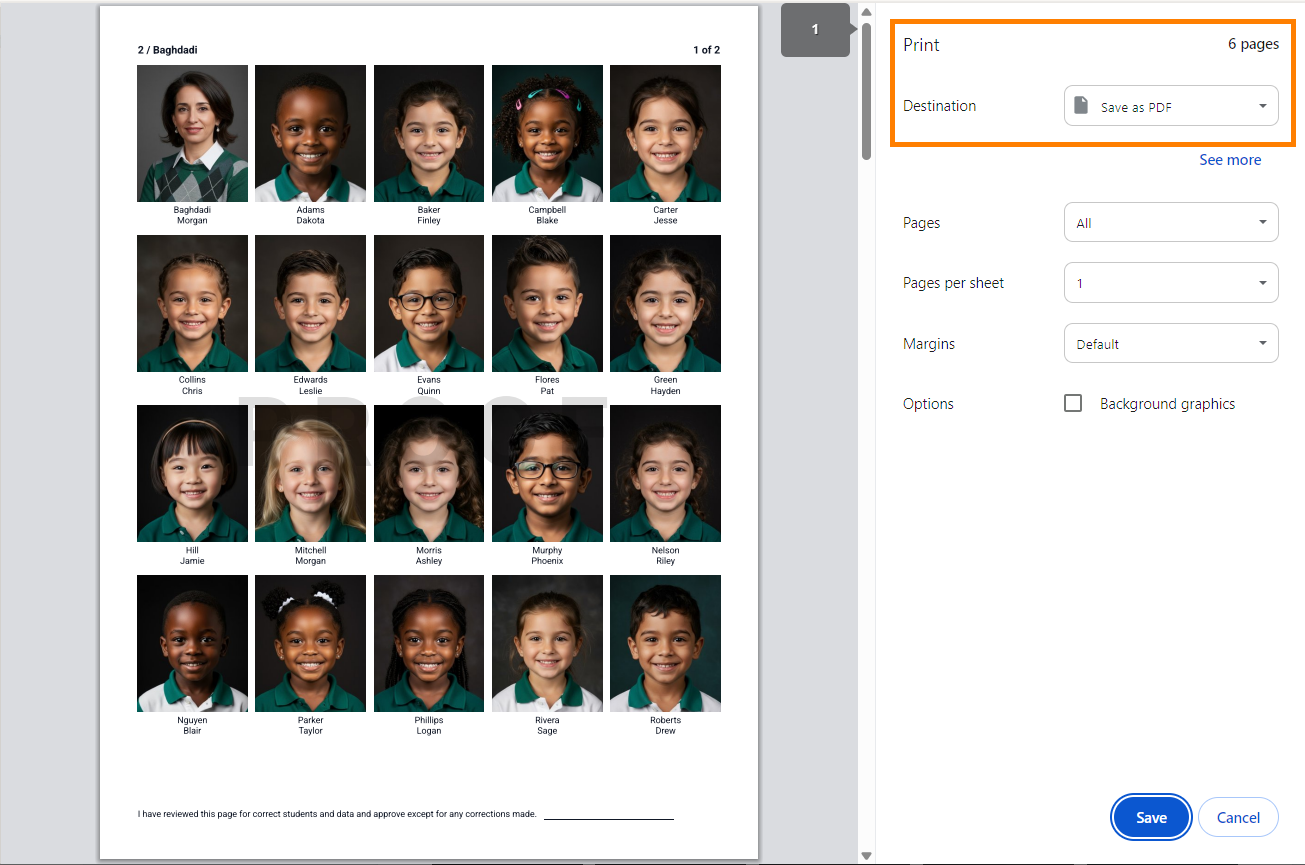 |
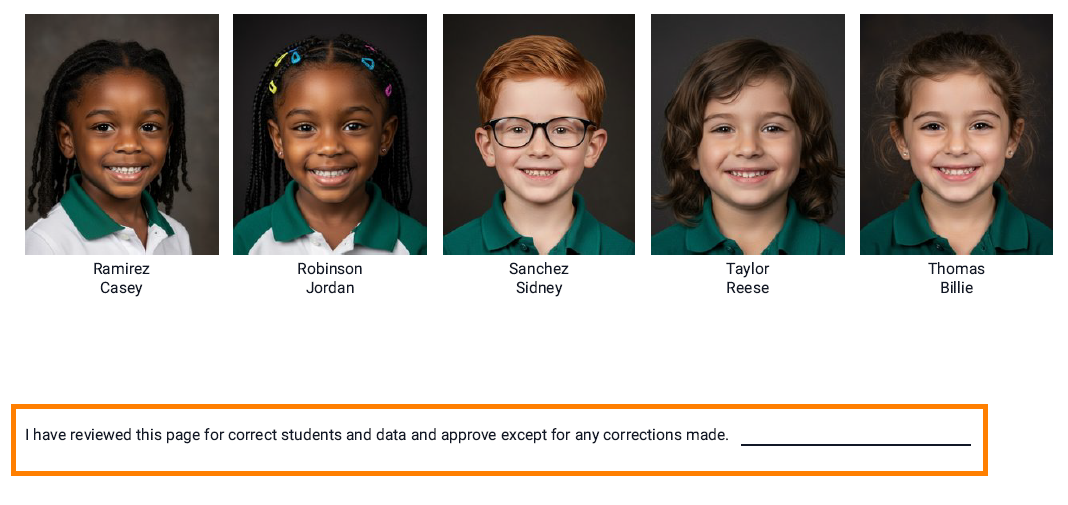
Note that the pages include a sign-off at the bottom of each page, useful if the portrait proofs required staff to review the students included in the portrait set and/or make changes.
Was this article helpful?
That’s Great!
Thank you for your feedback
Sorry! We couldn't be helpful
Thank you for your feedback
Feedback sent
We appreciate your effort and will try to fix the article